How to make a viral “you decide” 2D cartoon series with Claude (and post one episode a day on autopilot)
A step-by-step guide to the interactive 2D cartoon series format: why “the comments decide what happens next” works, the Claude prompt that writes a 30-part season with narration, choices and scene prompts, how to turn it into reels, and how to schedule one episode a day with postreadygo.
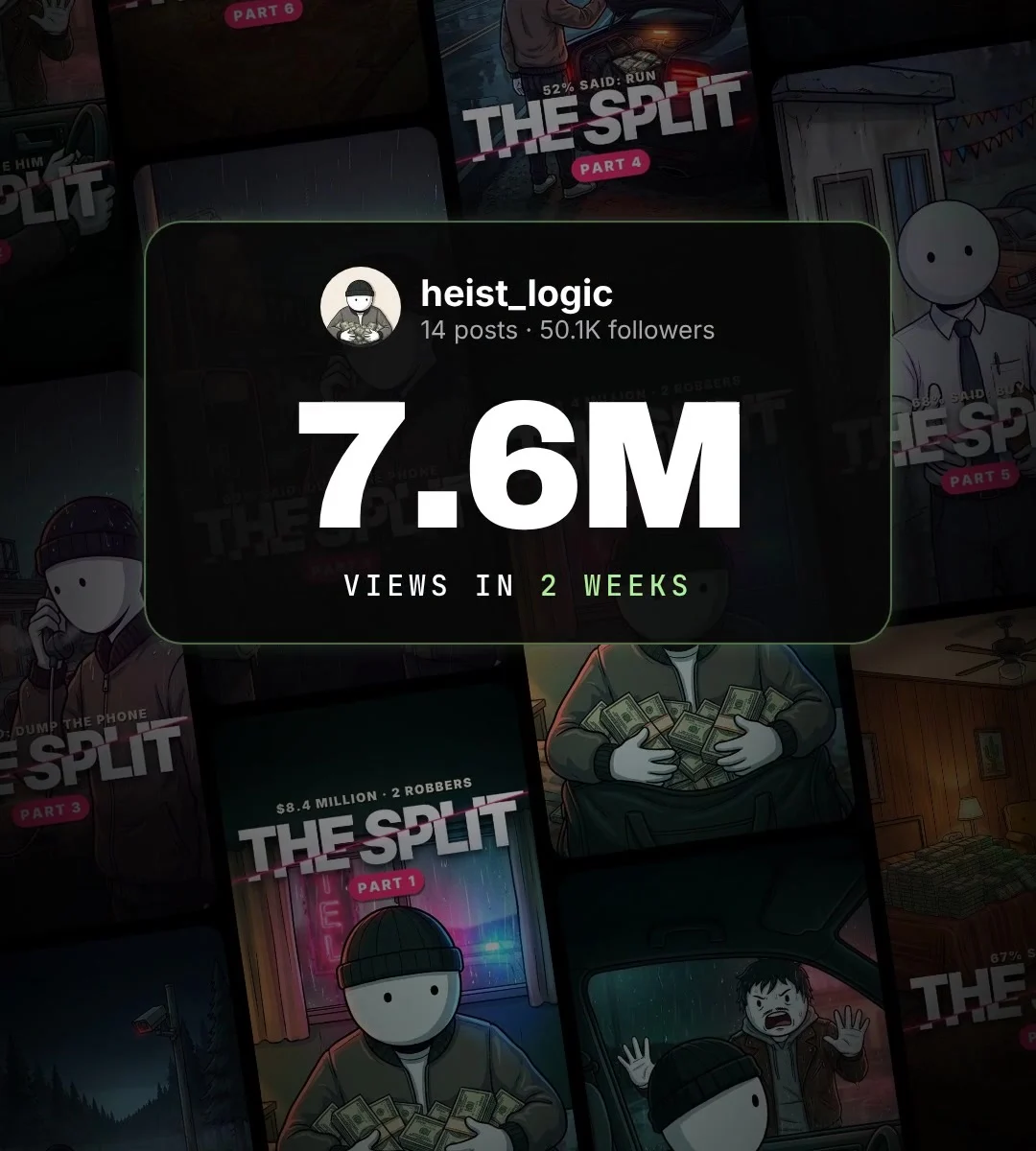
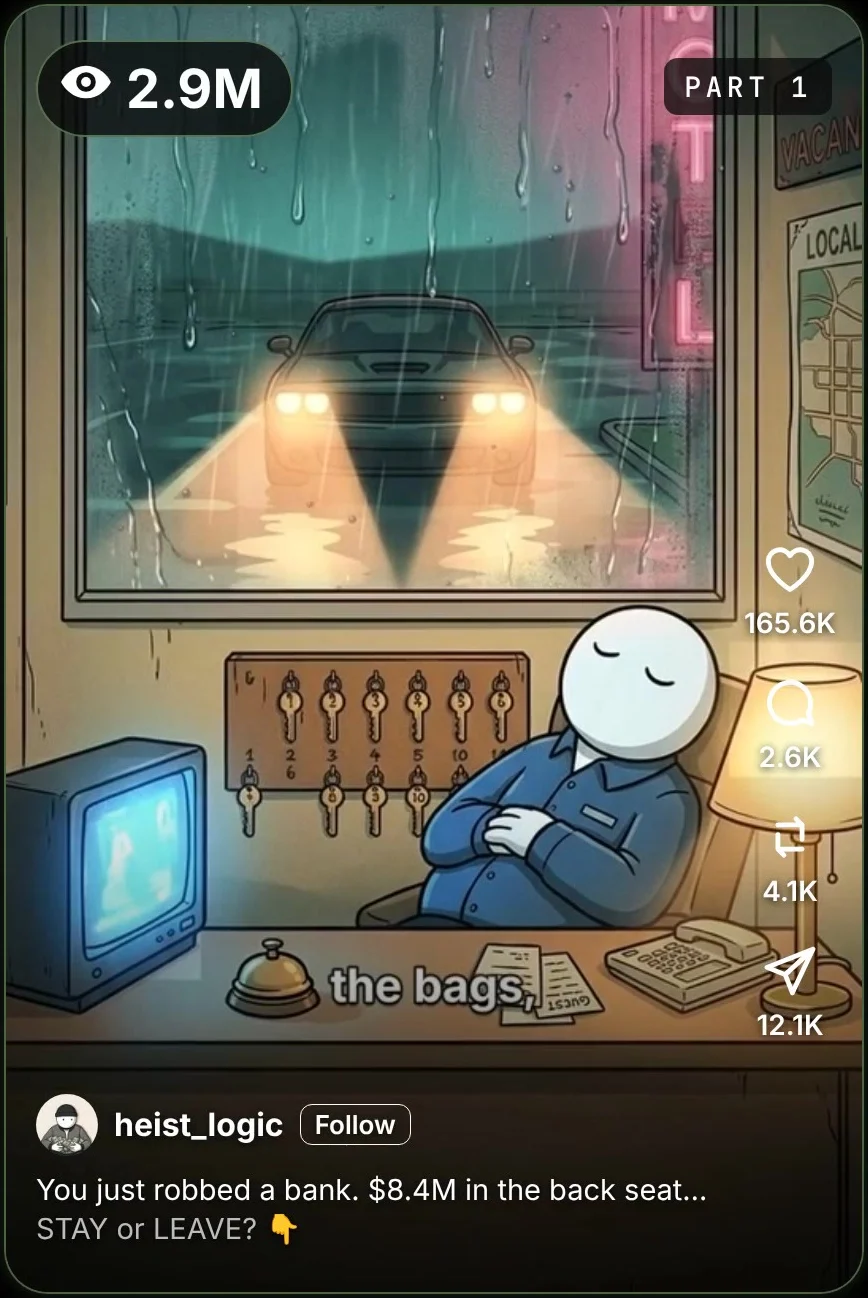
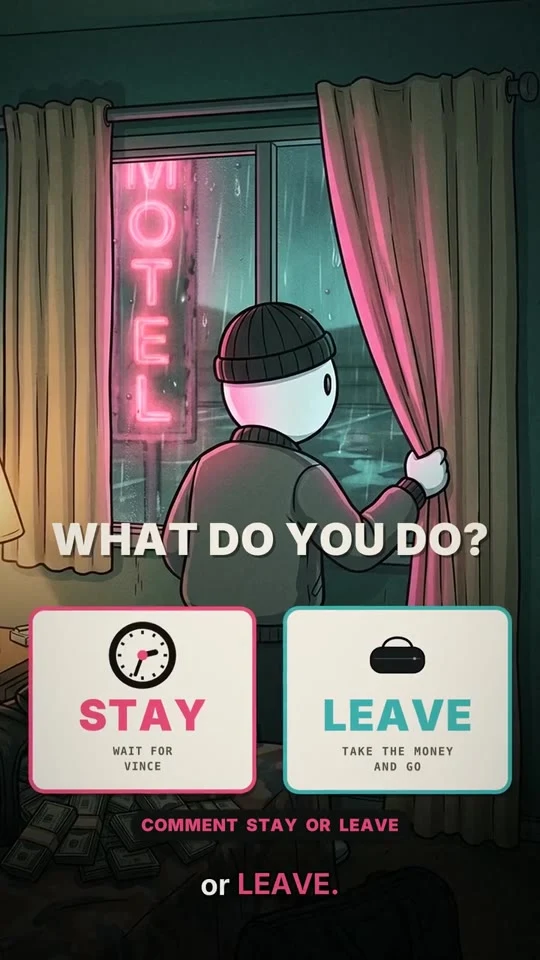
One of the fastest-growing formats on Instagram right now is a choose-your-path cartoon series. Each episode is a short 2D animated story with a narrator. It ends on a decision (“STAY or LEAVE?”), the audience votes in the comments, and the next part follows the winning choice.
This playbook shows how to write a full season of one with Claude, turn it into reels, and post one episode a day with postreadygo without touching your phone.
The format: a story the comments write
The account we looked at is @heist_logic. It posted its first episode on October 27, 2026. Two weeks later it had 14 episodes, about 50,000 followers and roughly 7.6 million views in total. Part 1 alone passed 2.9 million views, with about 165K likes, 2.6K comments, 4.1K reposts and 12.1K shares.
Why it works:
- The viewer is the main character. The narration says “you”: you robbed the bank, you have to decide. That pulls people in from the first line.
- The ending is a question. “STAY or LEAVE?” is the easiest comment anyone will ever write, and every comment pushes the reel to more people.
- People come back. If you voted, you want to see what happens. That turns one-time viewers into followers.
- It feeds itself. The next caption starts with the result (“You ran, like 52% of you said”), so every part promotes the next one.
What Claude is and how to get an account
If you already use Claude, skip ahead.
Claude is an AI assistant made by Anthropic. You type in plain English and it answers. It is especially good at long, consistent writing: a story with 30 parts, the same characters, the same tone and a cliffhanger at the end of each part.
- Go to claude.ai or install the Claude app.
- Sign up with your email address or your Google account.
- Type your first message in the box at the bottom.
Writing the story works on any plan. The scheduling step uses a custom connector; whether you can add one depends on your plan, so check Claude’s help page about custom connectors.
Step 1: Write the whole season with one prompt
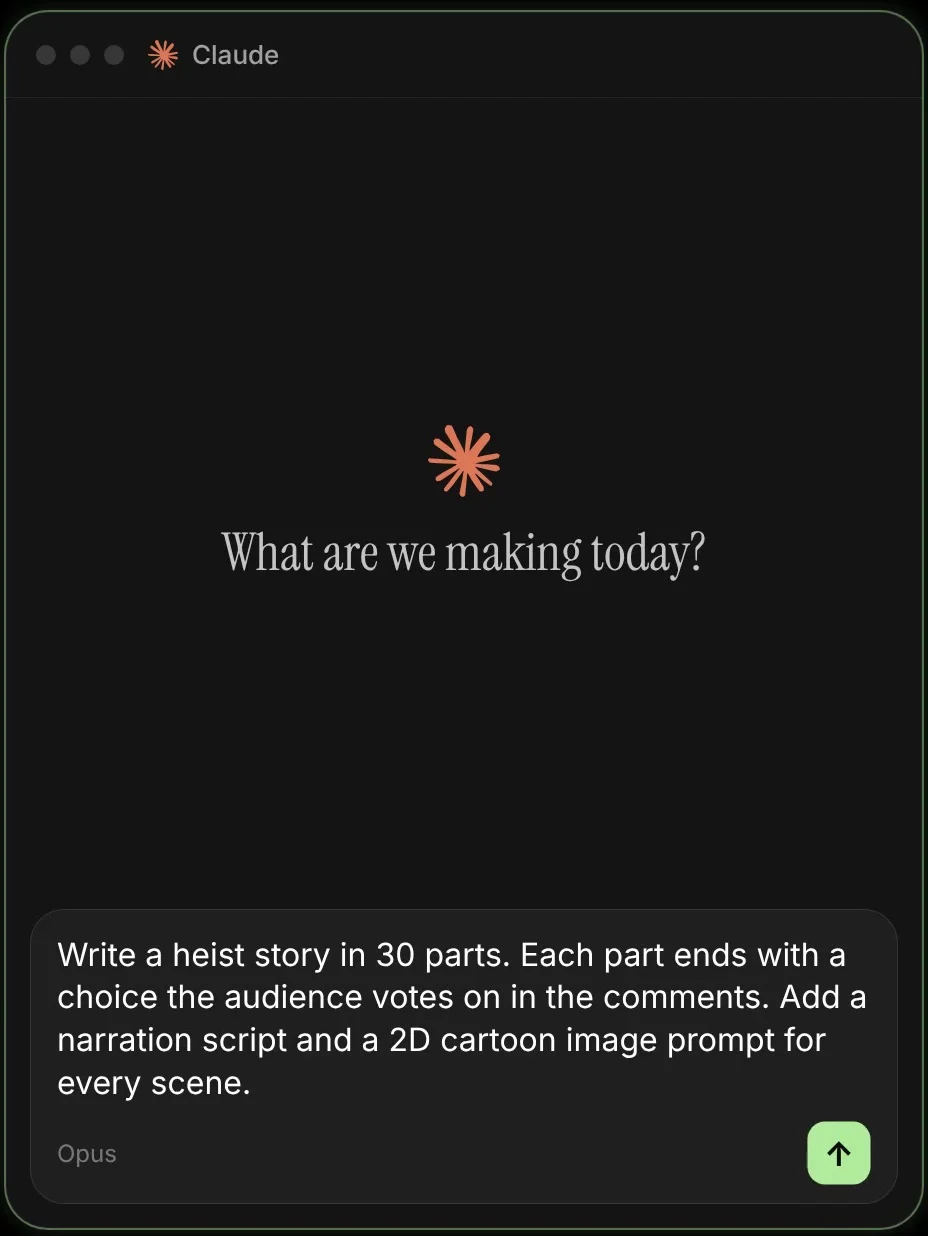
Pick a world people already love to imagine themselves in: a heist, a survival story, a breakup, a startup, a haunted house. Then paste this into Claude:
Season prompt
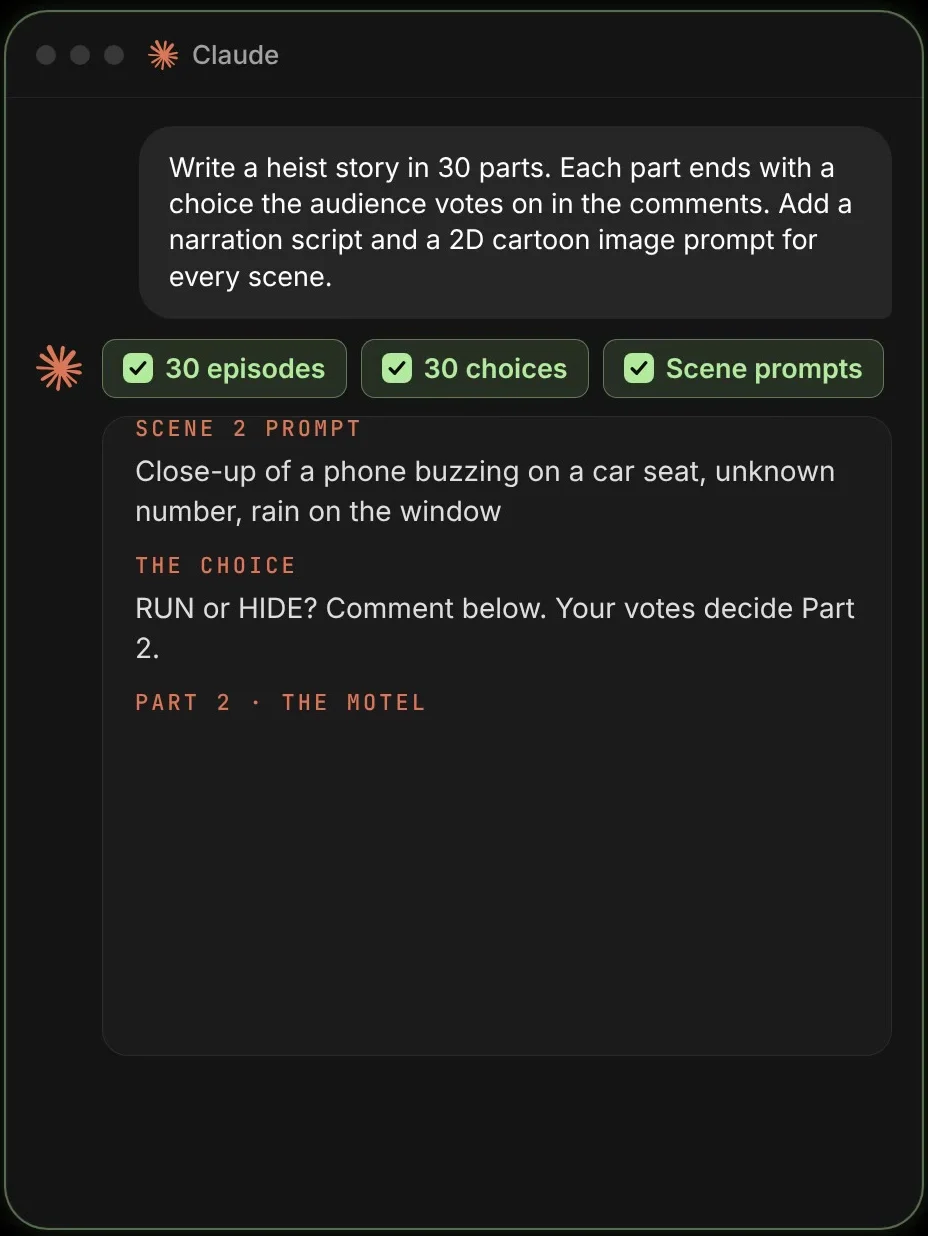
Write a heist story in 30 parts, told in the second person ("you").

For each part give me:
- a title
- a narration script of about 120 words, short sentences, with a cliffhanger at the end
- 6 to 8 scene prompts for a 2D cartoon image generator, in the same style every time (simple white characters with round heads, moody colors, cinematic lighting)
- the choice at the end, as two one-word options (for example STAY or LEAVE)
- the post caption, which starts with what the audience chose last time and ends with "Comment below. Your votes decide Part X."

Keep the characters, the money and the timeline consistent across all 30 parts. Start with parts 1 to 5.
Step 2: Turn each part into a reel
Every part now has three ingredients. Put them together like this:
- Images: paste the scene prompts into any AI image generator. Keep the style words identical so every episode looks like the same series.
- Voice: read the narration yourself, or use a text-to-speech tool with one voice you keep for the whole series.
- Edit: in any video editor, put the images in order, add slow zooms, the voice and big captions. End on a card with the two choices.
You can also ask Claude to help with the edit: “Give me a shot list with timings for part 1, so each image stays on screen while its sentence is read.”
- First line = the situation. “You just robbed a bank.” No intro.
- Put numbers on screen. Money, time left, percent of people who voted. They make the stakes feel real.
- Keep it under a minute while you test. Longer episodes can come once people are hooked.
Step 3: Let the votes steer the story
Before you make the next part, count the comments for each option and tell Claude:
Next episode prompt
Part 3 results: 69% chose DUMP THE PHONE, 31% chose KEEP IT.
Rewrite part 4 so it follows that choice. Start the caption with "You dumped the phone, like 69% of you said." Keep everything else consistent.
You do not need to reply to every comment, but liking a few early ones and pinning a funny one keeps the conversation going.
Step 4: Connect postreadygo to Claude
A series only works if it comes out on time. If part 6 is three days late, people forget. postreadygo is a social media scheduler that Claude can control, so the posting runs on its own.
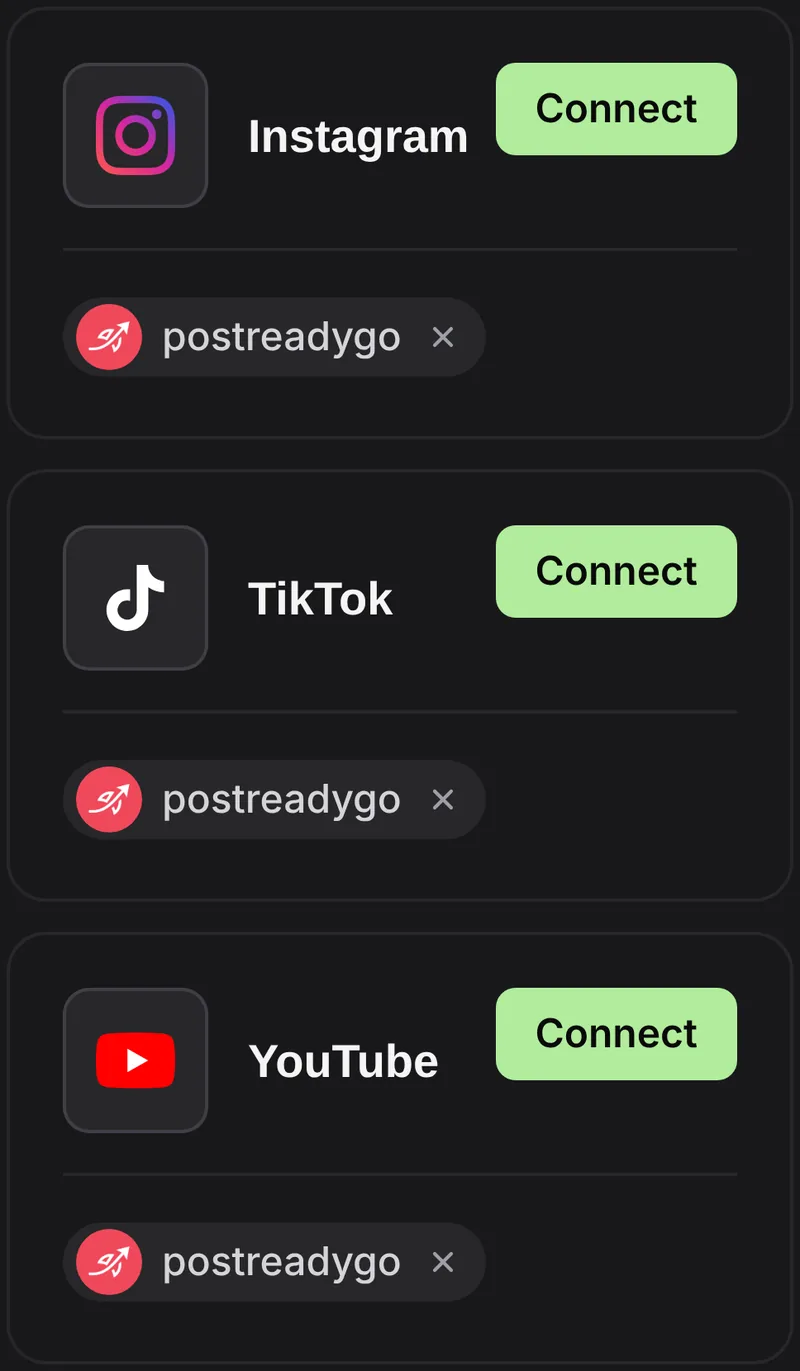
- Create a postreadygo account at postreadygo.com and open Linked in the menu. Connect Instagram, TikTok, YouTube or any of the other supported networks.
- In Claude, open Settings, then Connectors, then Add custom connector. On some plans the menu is called Customize.
- Name it postreadygo and paste this address:
https://www.postreadygo.com/mcp - Click Connect, sign in to postreadygo and press Allow. Claude never sees your password.
- Test it: “List my postreadygo accounts.”
Step 5: Post one episode a day
Upload the finished episodes to Google Drive or Dropbox with link sharing on, paste the links into Claude and say:
Scheduling prompt
Here are parts 1 to 5 of my series, in order.
Post one part a day at 7 PM my time on Instagram, TikTok and YouTube, starting tomorrow.
Use the captions from the season plan. For YouTube, use "Part X: <title>" as the title.
Show me the plan before you schedule anything.
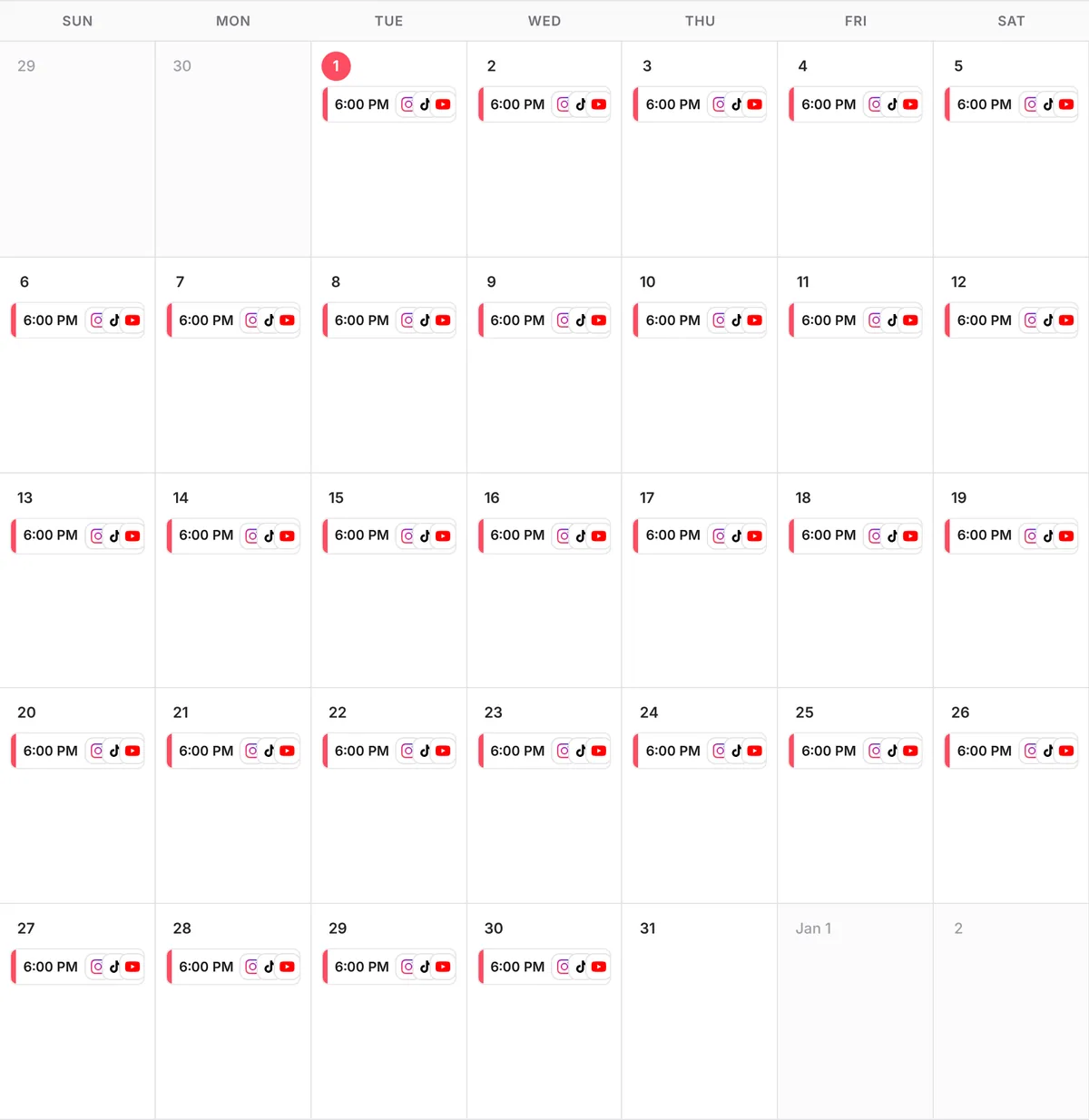
When the votes change the story, just ask: “Replace Thursday’s post with this new part 6.”
Advanced: keep the series growing
- Post the recap. Every 10 parts, a 30-second “story so far” brings new followers up to speed.
- Ask Claude what worked. With Instagram connected, ask: “Which of my last 10 posts got the most reach?” and lean into those kinds of choices.
- Start a second season with a new world once the first one ends. The audience you built is waiting for it.
- Use the same time every day. People start to expect the next part, so keep the slot fixed.
Questions people ask
Can Claude draw the cartoon images?
Claude writes the scene prompts. You paste them into an AI image generator of your choice to get the pictures. Keeping the style words the same in every prompt keeps the series consistent.
How long should each episode be?
Start under a minute. The first line has to set up the situation, and the last seconds have to show the choice clearly.
What if nobody votes?
Pick the more dramatic option and keep going. Ask a very simple question with two one-word answers; it gets far more comments than an open question.
Is Claude free?
Claude has a free plan and paid plans. Writing the story works on any plan; adding a custom connector depends on your plan.
How much does postreadygo cost?
There is a 3-day free trial. After that, plans start at $9 per month. Current prices are on the postreadygo home page.
Which platforms can I post to?
Instagram, TikTok, YouTube, X, LinkedIn, Facebook, Threads, Pinterest and Bluesky.