12.3M views for a fishing app: how to grow an app with explainer reels and Claude
A step-by-step guide to the app explainer reel: teach one useful thing in a clean animation and let your app sit in the bio. How a fishing app reached about 76,500 followers and a 12.3-million-view reel, the Claude prompts for the lessons and the animation, and how postreadygo posts one every day on every platform.
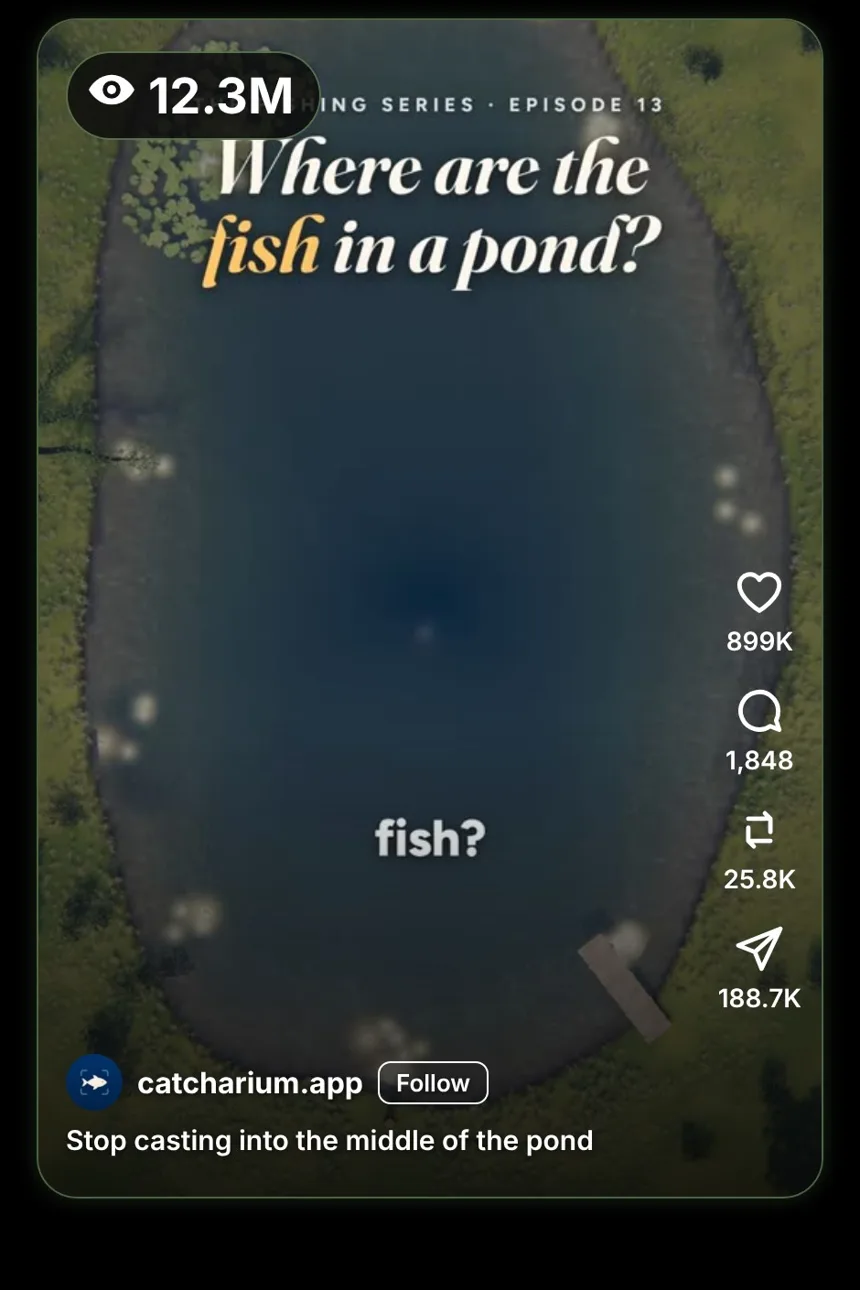
“Stop casting into the middle of the pond.” A calm animation shows where the fish actually are, and why. It has 12.3 million views, and the account behind it is not a creator: it is a fishing app.
The format, and why it works
The account we looked at is @catcharium.app on Instagram: a fish-identification app with 39 posts and about 76.5K followers as of November 12, 2026.
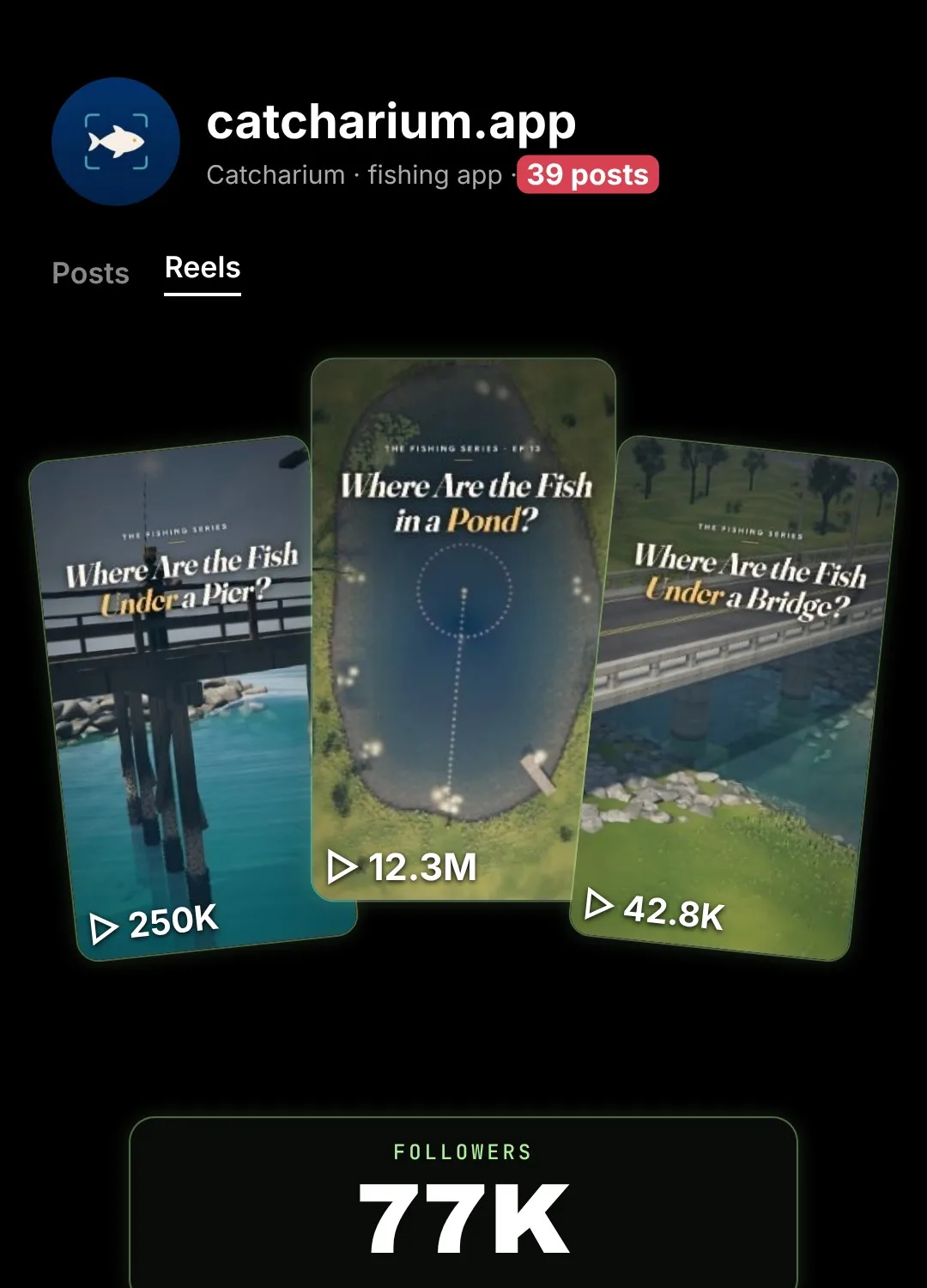
“Stop casting into the middle of the pond”, posted on October 4, 2026, had 12.3M views, about 899K likes, 1,848 comments, 25.8K reposts and 188.7K shares. Other reels on the page had 4.2M and 1.8M views.
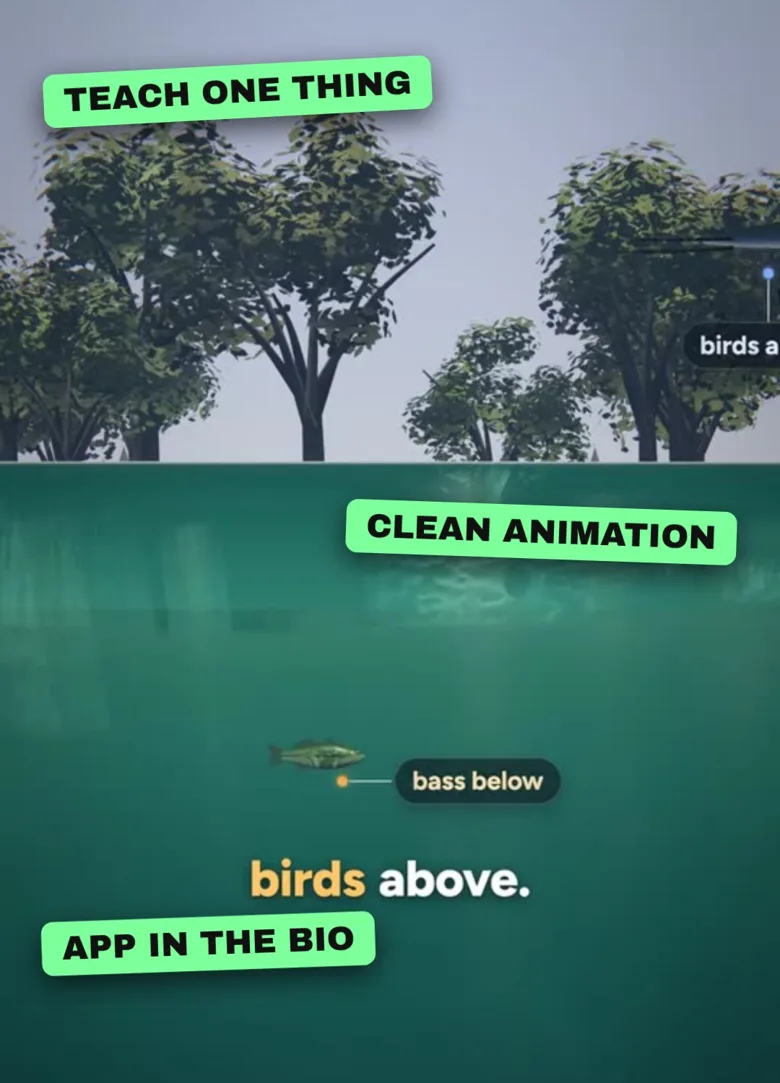
- It teaches, it does not sell. The video never says “download our app”.
- The viewer is exactly the customer. Only people who fish care where the fish are.
- It gets saved and shared. Useful tips travel further than ads.
- The app is one tap away, in the bio, for anyone who wants more.
What Claude is and how to get an account
Claude is an AI assistant made by Anthropic. It can research, write scripts and prompts, and write the code that draws an animation in your browser.
- Go to claude.ai or install the Claude app.
- Sign up with your email address or your Google account.
- Type your first message in the box at the bottom.
Step 1: Claude writes the lessons
Lessons prompt
My app is for [WHO]. Give me 30 one-minute lessons they would save and share.

- Each one starts with a mistake most people make (“Stop doing X”)
- Then explains why, in 3 short points
- Keep it accurate and tell me your sources
- Do not mention my app in the lesson
Start with the mistakes your users talk about most. Those are your first ten videos.
Step 2: Claude builds the animation
Animation prompt
Build lesson 1 as a single HTML file, vertical 1080x1920, 60 seconds.

- A clean, calm animation that shows the idea (top-down view, then a side view)
- Small labels for each reason
- Captions at the bottom, a few words at a time
- A Record button that downloads the video
Open it in Chrome and press Record. Put your app link in your bio, not in the video.
Why posting by hand holds you back
- Five apps, five uploads. The same video, the same caption, again and again for Instagram, TikTok, YouTube, Facebook and Threads.
- The wrong time. You post when you remember, not when your audience is online.
- One busy day breaks the streak. Then two, then a week, and the account stops growing.
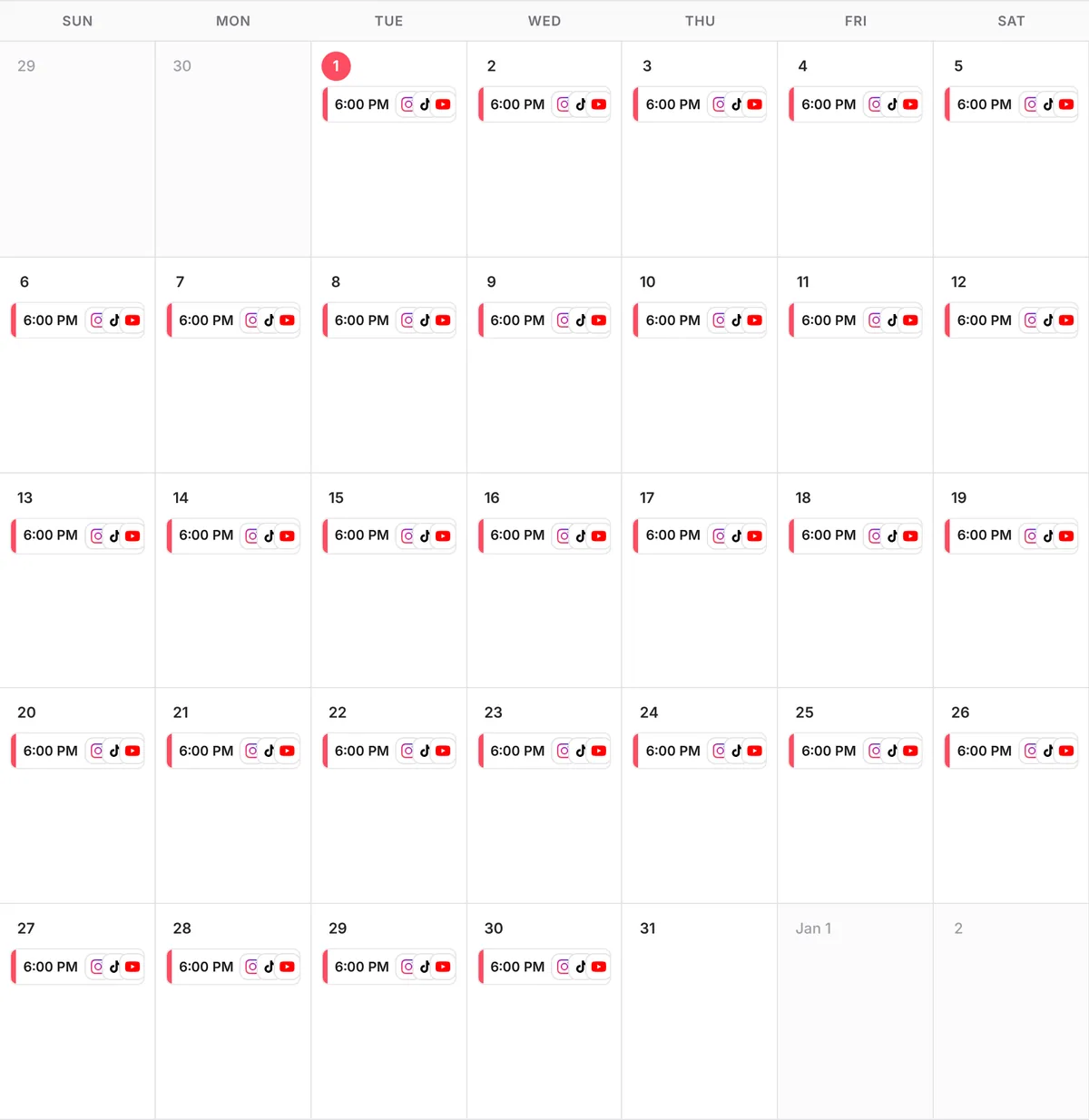
With postreadygo, one message to Claude schedules a whole month: one video a day, each at its best time, on every platform at once. That is 30 posts a month per platform, without opening a single app.
Step 3: Connect postreadygo to Claude
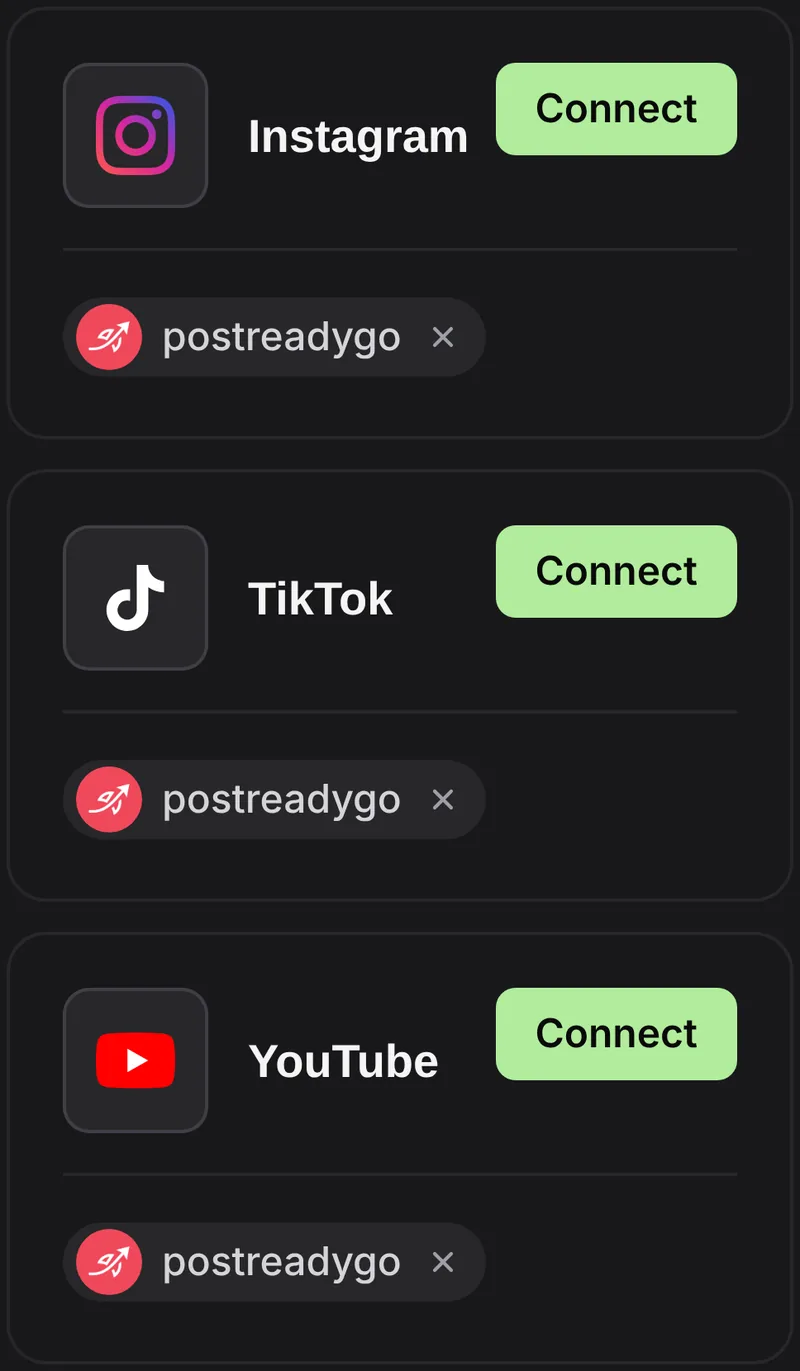
- Go to postreadygo.com and click Get started for free. Then open Linked and connect Instagram, TikTok, YouTube or any other supported network.
- In Claude, open Settings, then Connectors, then Add custom connector.
- Name it postreadygo and paste:
https://www.postreadygo.com/mcp - Click Connect, sign in to postreadygo and press Allow.
- Test it: “List my postreadygo accounts.”
Step 4: One a day, on autopilot
Scheduling prompt
Here are 30 videos.
Post one every day at the best time on Instagram, TikTok, YouTube, Facebook and Threads, starting tomorrow.
Write a caption for each that ends with a question.
Show me the plan before you schedule anything.
Questions people ask
Should I mention my app in the video?
The reel we looked at does not. It teaches one thing and leaves the app in the bio. Try that first.
Does this replace ads?
It is a different channel. Explainer reels cost time instead of ad budget, and nobody can promise results, but useful videos keep working after you post them.
How much does postreadygo cost?
You can get started for free with a 3-day trial. After that, plans start at $9 per month. Current prices are on the postreadygo home page.
Which platforms can I post to?
Instagram, TikTok, YouTube, X, LinkedIn, Facebook, Threads, Pinterest and Bluesky.