10M views on a coffee cup doodle: how to make “drawings that play music” reels with Claude
A step-by-step guide to the faceless “every line turns into music” reel: why a coffee cup doodle got 10M views, the Claude prompt that builds your own drawing-to-music app in minutes, how to record the videos, and how to post one drawing a day with postreadygo.
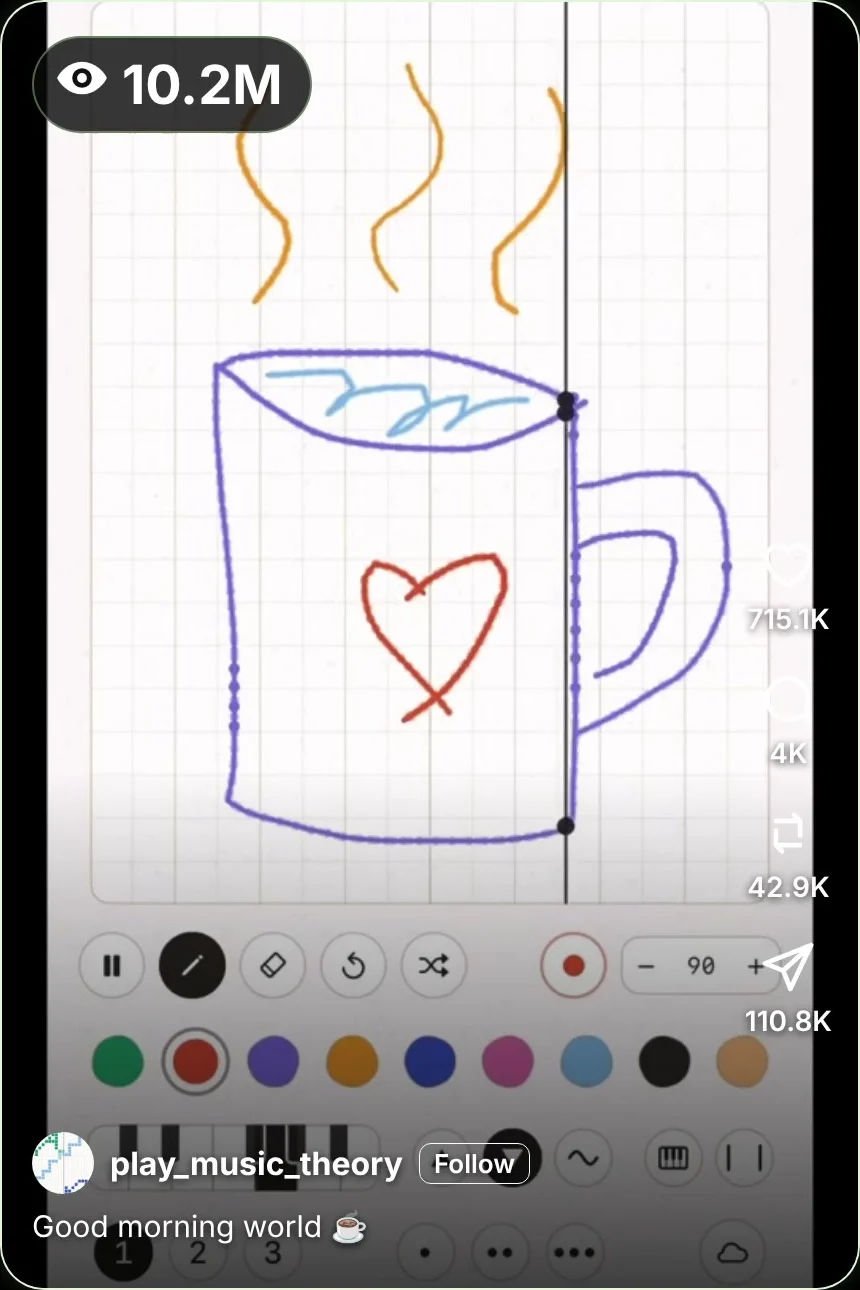
Someone draws a simple doodle on a grid. A line sweeps across the screen, and every stroke it touches plays a note. No face, no voice, not a single word. One of these videos, a coffee cup, has more than 10 million views.
The format: a doodle that plays itself
The account we looked at is @play_music_theory. Its coffee cup video had about 10.2 million views, around 715K likes, 42.9K reposts and 110.8K shares as of November 11, 2026. A purple line becomes the cup, little blue waves become the coffee and three orange squiggles become the steam. Then the line plays it.
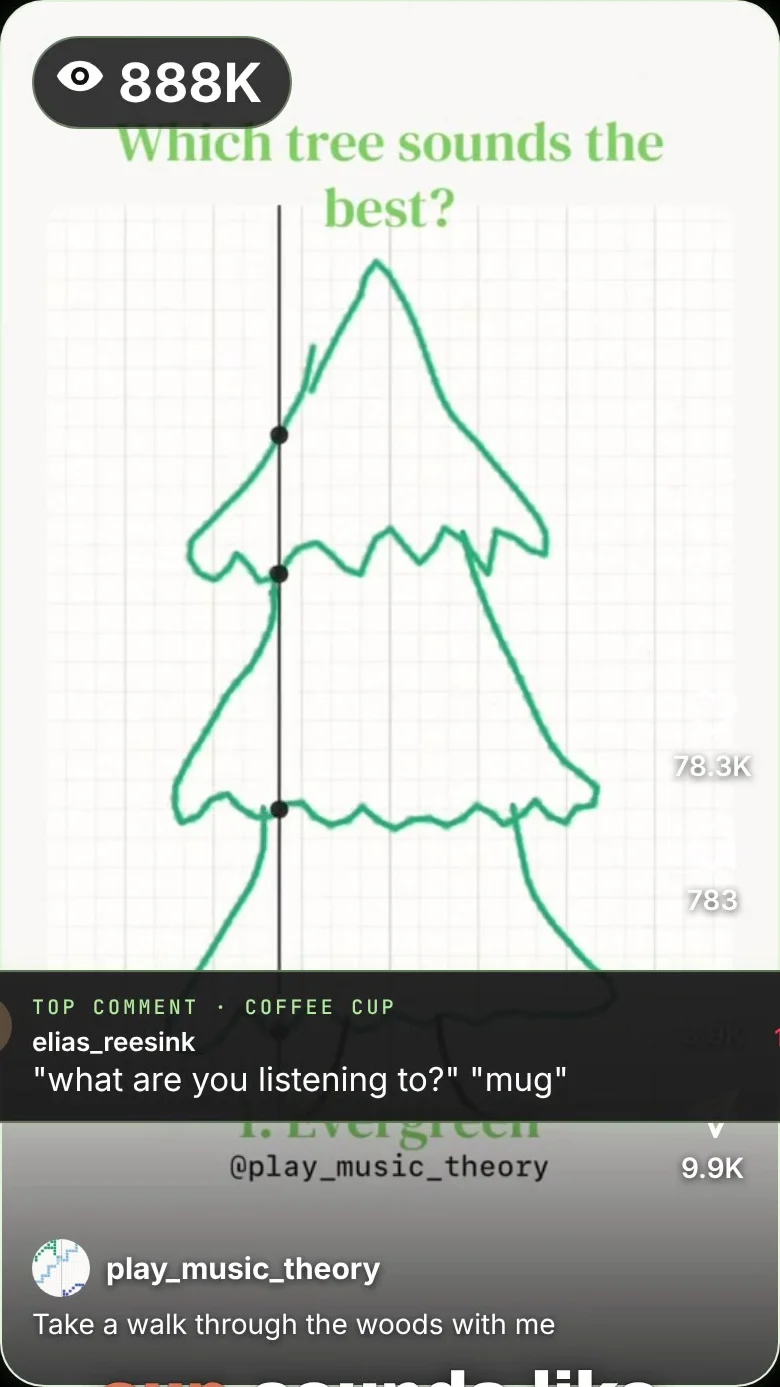
The account’s series “Which tree sounds the best?” passed 888K views, and a light bulb drawing passed 120K. The idea never changes; only the drawing does.
- You can’t scroll away before you hear it. The question “what does a coffee cup sound like?” only gets answered at the end.
- Anyone can draw a cup. So everyone thinks “I could make that”, and shares it.
- “Which one sounds best?” starts arguments in the comments, which pushes the video further.
- It is an endless series. Trees, fish, buildings, holidays: there is always a next drawing.
What Claude is and how to get an account
Claude is an AI assistant made by Anthropic. You describe what you want in plain English, and it can write a small working web app for you, including one that makes sound.
- Go to claude.ai or install the Claude app.
- Sign up with your email address or your Google account.
- Type your first message in the box at the bottom.
Step 1: Build your drawing-to-music app
Paste this into Claude:
App prompt
Build me a drawing app as a single HTML file.

- A square canvas with a light grid, like graph paper
- I can draw with my mouse or finger in 8 colors
- A play button starts a vertical line that sweeps from left to right
- Every time the line touches a stroke, it plays a note: higher on the canvas = higher note, using a pentatonic scale so it always sounds nice
- Each color is a different instrument sound
- Show a small dot where the line hits a stroke
- A tempo control and a clear button
- A Record button that records the canvas and the sound and downloads a vertical video

Use the Web Audio API. Keep it in one file.
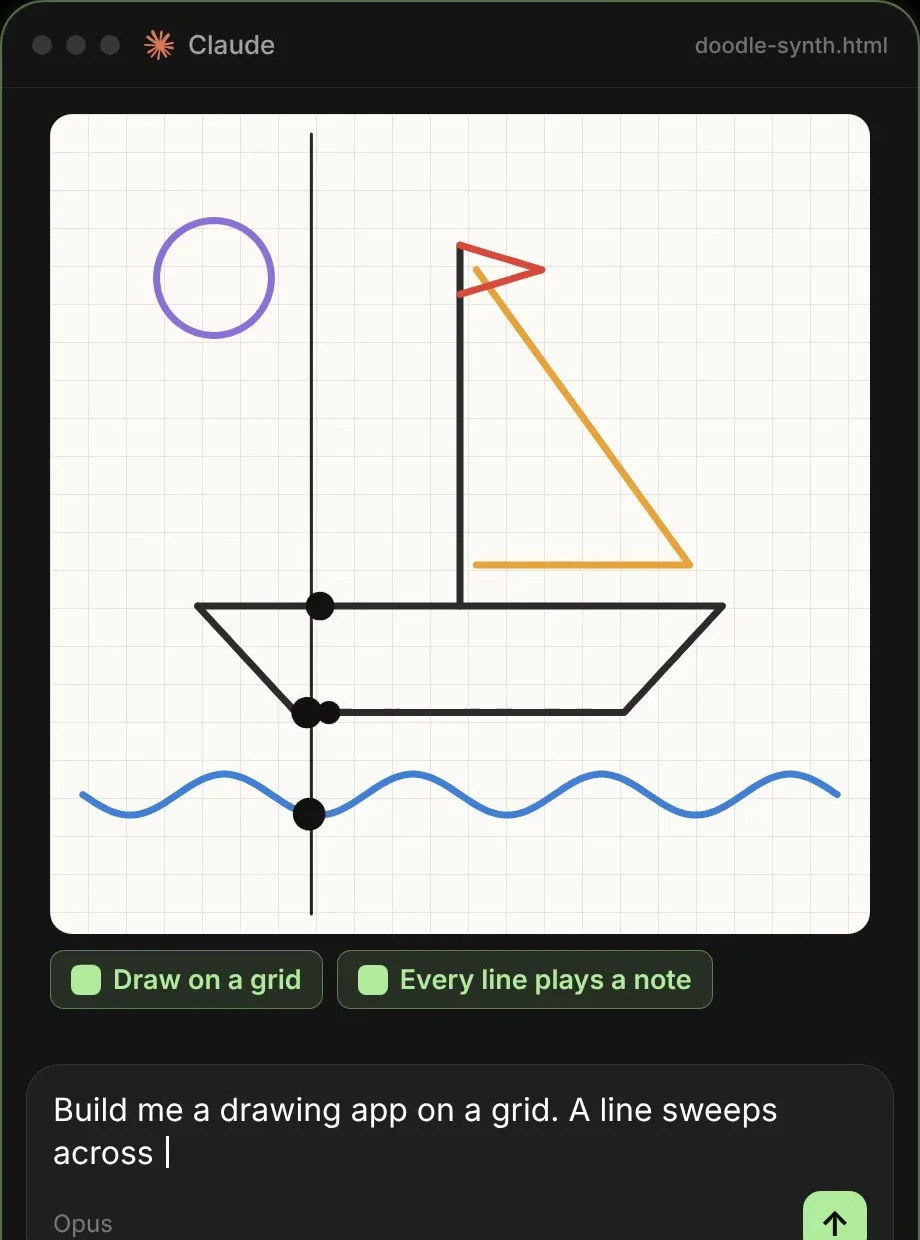
Open the file in Chrome and draw something. If a part does not work, tell Claude what happened (“the sound is too quiet”, “the line is too fast”) and it fixes it.
Step 2: Draw, record, repeat
- Draw simple, recognizable things: a cup, a cat, a house, a fish. Viewers should know what it is in one second.
- Show the drawing happen. Speed up the drawing part, then let the line play at normal speed.
- Keep it short. 15 to 40 seconds is plenty.
- Put the question on screen: “What does a coffee cup sound like?”
Step 3: Turn it into series
Ask Claude for ideas so you never run out:
Ideas prompt
Give me 30 drawing ideas for my drawing-to-music reels, grouped into series like "Which tree sounds the best?". For each one, give a hook for the first second and a caption that ends with a question.
Step 4: Connect postreadygo to Claude
postreadygo is a social media scheduler Claude can control. Connect it once and posting runs on its own.
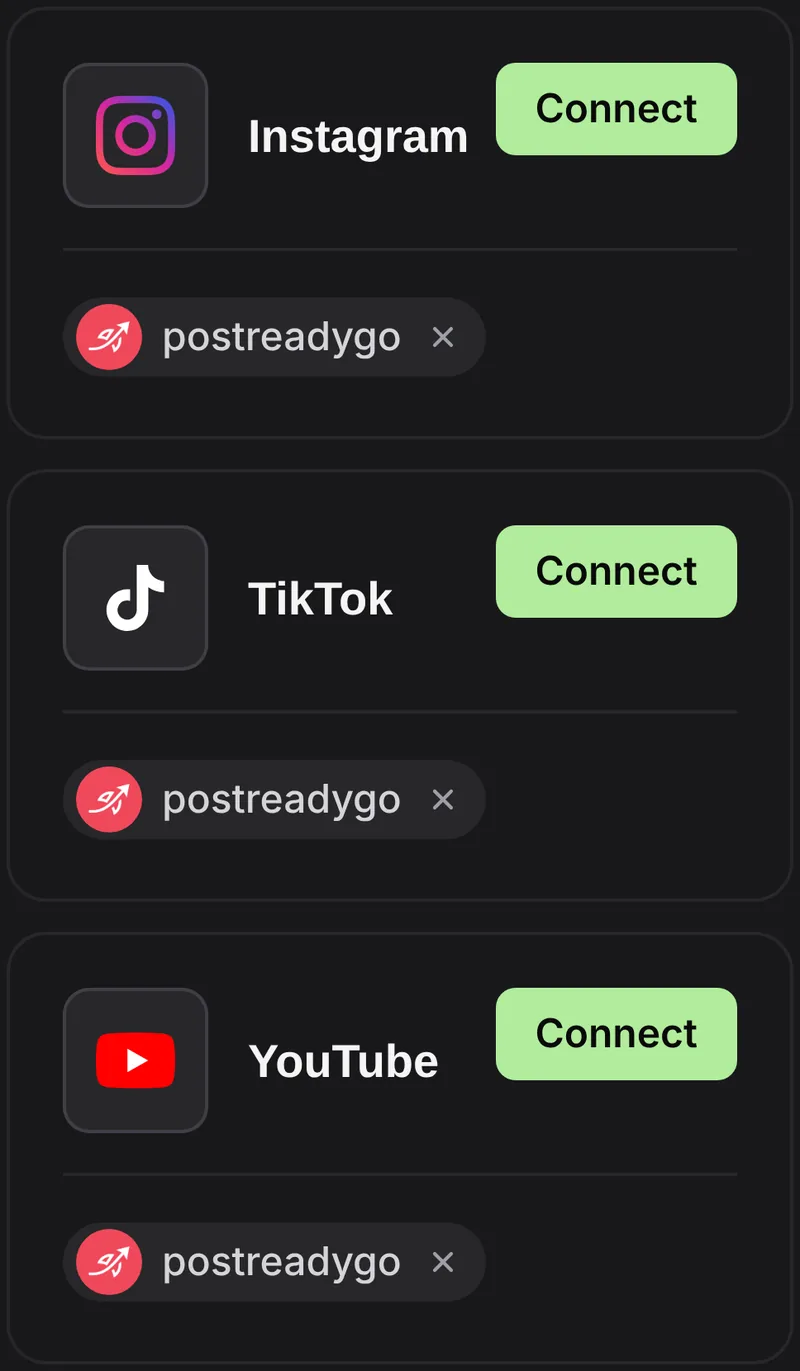
- Create a postreadygo account at postreadygo.com and open Linked. Connect Instagram, TikTok, YouTube or any other supported network.
- In Claude, open Settings, then Connectors, then Add custom connector.
- Name it postreadygo and paste:
https://www.postreadygo.com/mcp - Click Connect, sign in to postreadygo and press Allow.
- Test it: “List my postreadygo accounts.”
Step 5: One drawing a day
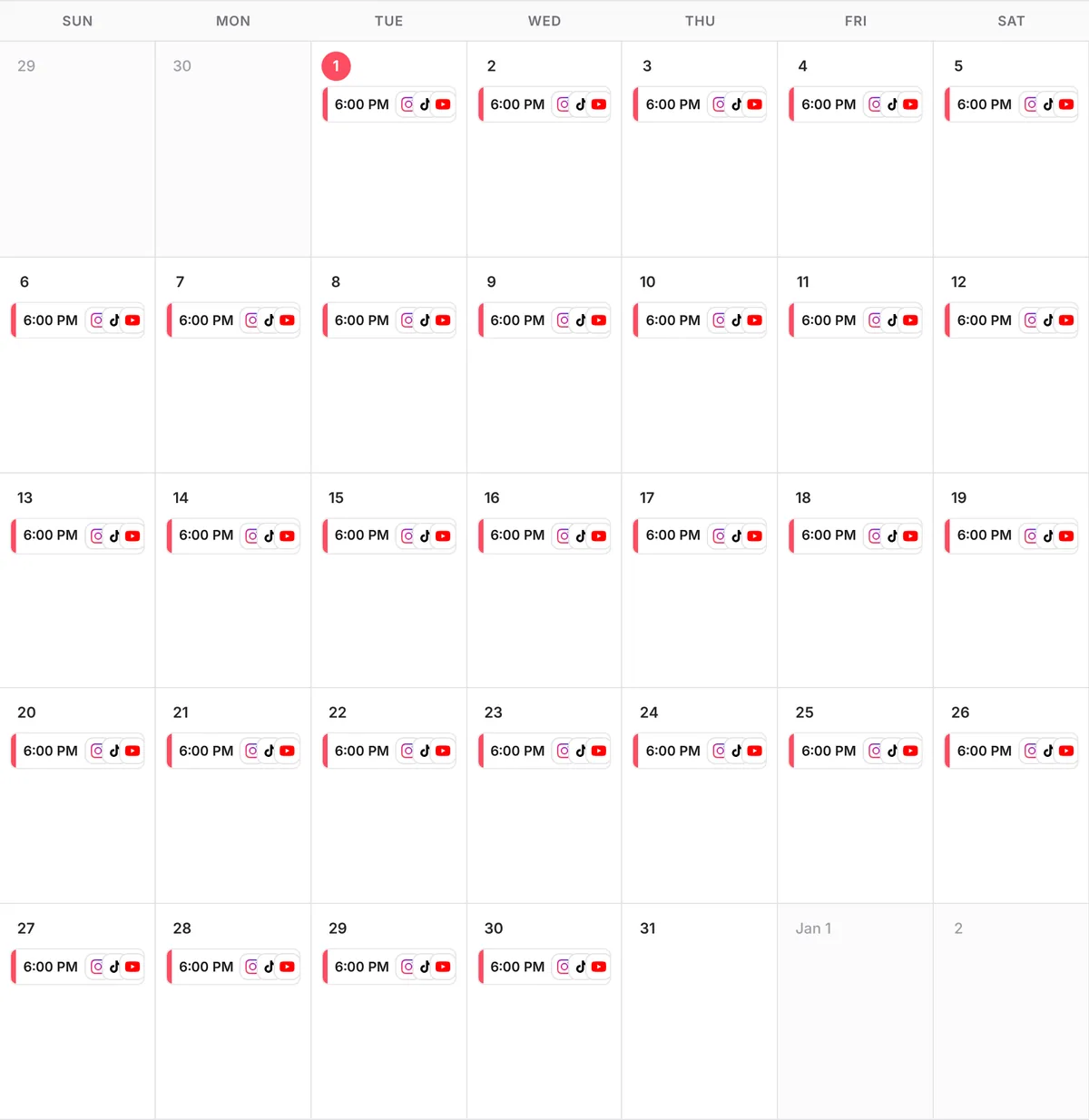
Scheduling prompt
Here are 10 drawing videos.
Post one every day at 6 PM my time on Instagram, TikTok and YouTube, starting tomorrow.
Write a caption for each that asks which one sounds best.
Show me the plan before you schedule anything.
Questions people ask
Do I need to know music theory?
No. Ask Claude to use a pentatonic scale; any combination of notes in it sounds pleasant.
Do I need to know how to code?
No. Claude writes the app. You open the file in your browser and draw.
Can I record on my phone?
Yes. Open the app in your phone’s browser and use the built-in screen recorder, or ask Claude for a Record button.
How much does postreadygo cost?
There is a 3-day free trial. After that, plans start at $9 per month. Current prices are on the postreadygo home page.
Which platforms can I post to?
Instagram, TikTok, YouTube, X, LinkedIn, Facebook, Threads, Pinterest and Bluesky.