How a faceless horror series got 6.9M views on 6 videos (and how to make one with Claude)
A step-by-step guide to the faceless horror series format: a story told in parts, survival rules on screen and a choice at the end of every episode. The Claude prompt that writes a 10-part season, how to make each part into a reel, and how to schedule one episode every evening with postreadygo.
A short horror story, split into parts, with no face and no voice actor on camera. Every part ends with a choice, and the next part opens with the comment that won. That is the whole format, and it is growing accounts from zero very quickly.
The format: survival rules and a choice
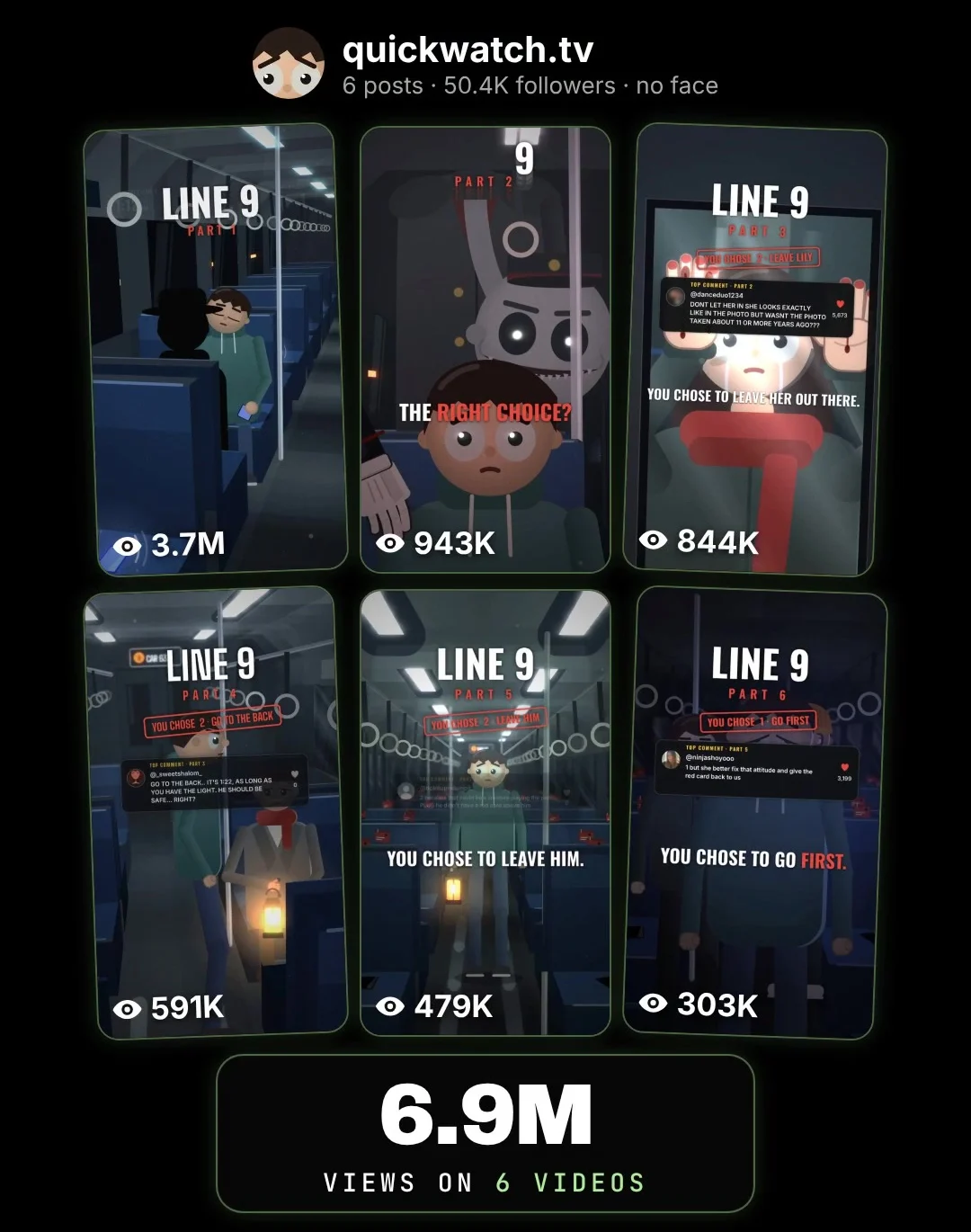
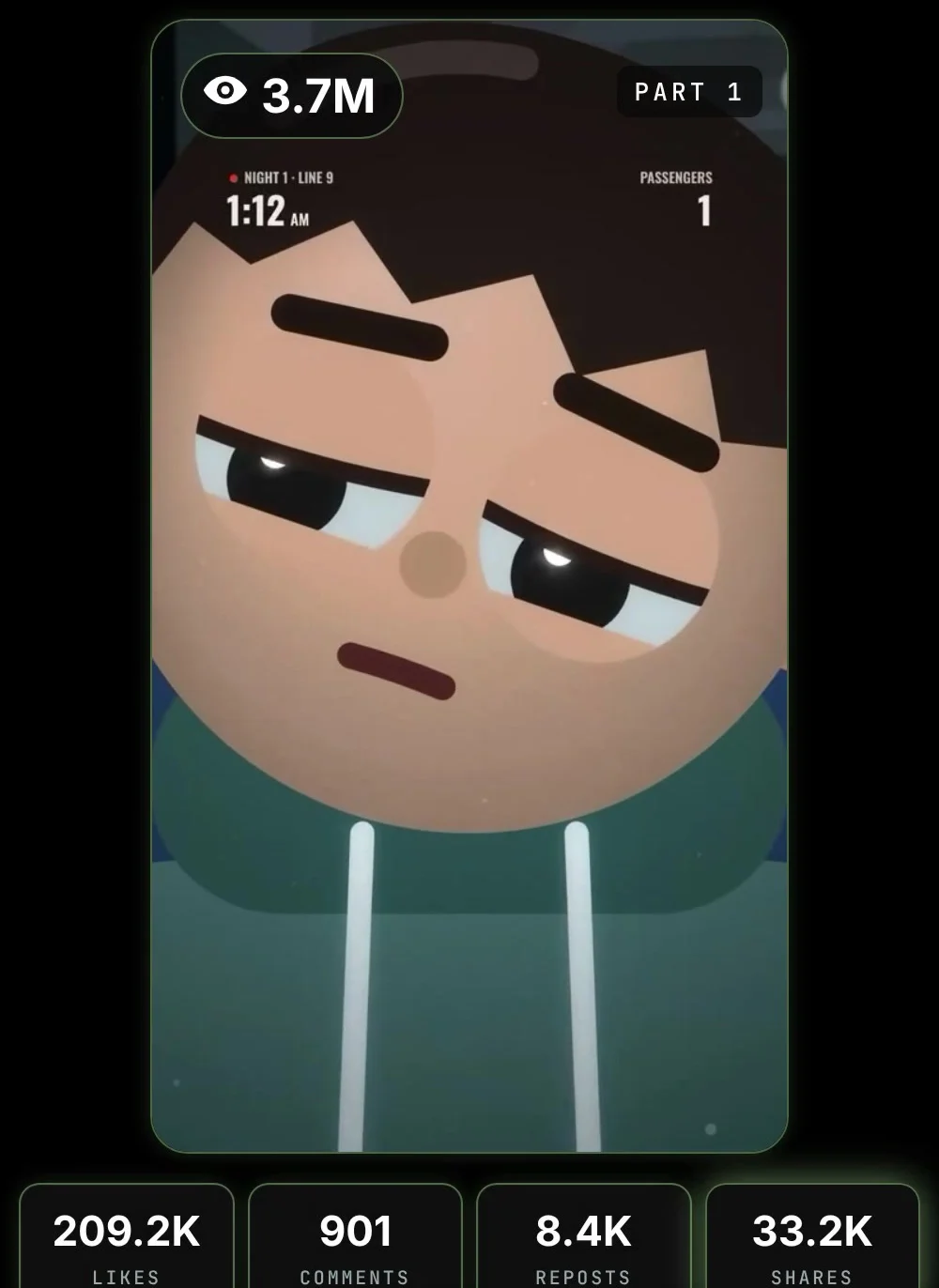
The account we looked at is @quickwatch.tv. Its series “Line 9” is set on a night train. Part 1 went up on November 2, 2026. Nine days later the account had 6 posts, about 50,400 followers and roughly 6.9 million views. Part 1 alone passed 3.7 million views, with about 209K likes, 8.4K reposts and 33.2K shares.
Three things make it work:
- Survival rules. Cards like “If something asks for your ticket, don’t answer” turn a simple story into a game people want to figure out. They are also very shareable.
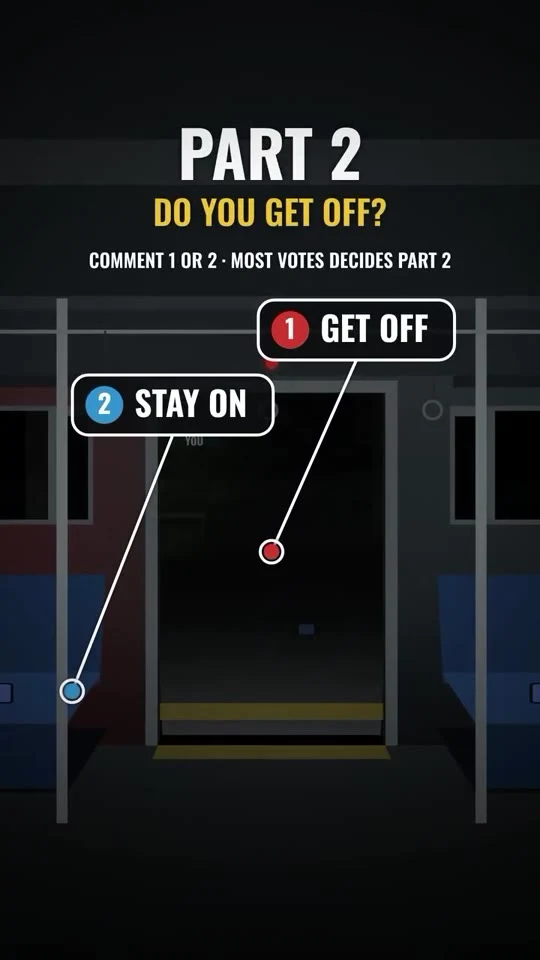
- A choice at the end. “Comment 1 or 2” is the easiest comment to leave, and every comment pushes the reel further.
- The top comment opens the next part. The winning comment is shown on screen at the start of the next episode. People comment hoping to be featured.
What Claude is and how to get an account
Claude is an AI assistant made by Anthropic. You type what you want and it writes it. It is good at long stories that stay consistent: the same rules, the same characters, the same timeline across many parts.
- Go to claude.ai or install the Claude app.
- Sign up with your email address or your Google account.
- Type your first message in the box at the bottom.
Writing works on any plan. The scheduling step uses a custom connector; whether you can add one depends on your plan, so check Claude’s help page about custom connectors.
Step 1: Write a 10-part season
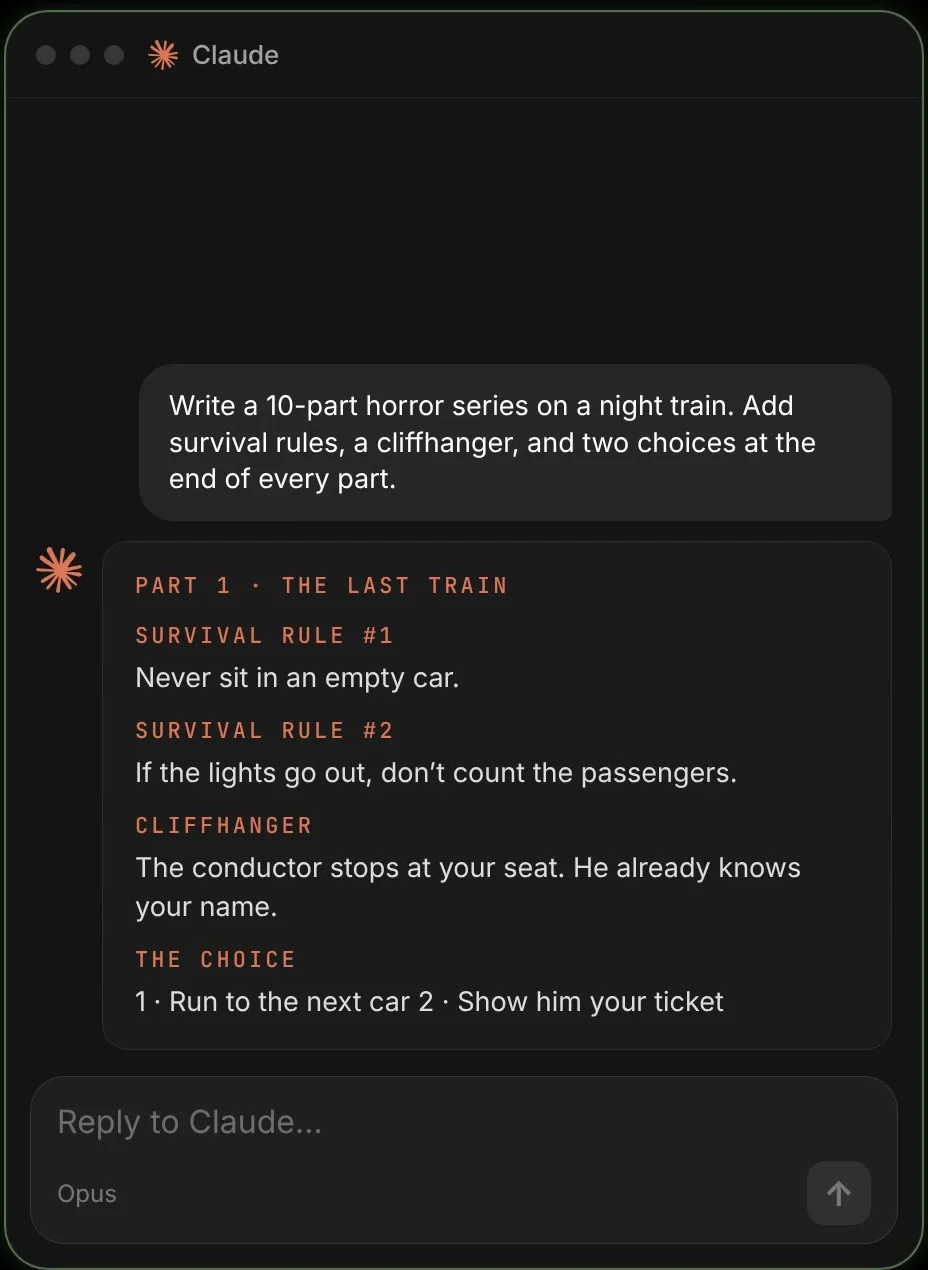
Pick one place people already find creepy: a night train, an empty mall, a hotel corridor, a night shift at a gas station. Then paste this into Claude:
Season prompt
Write a 10-part horror series set on a night train, told in the second person ("you").

For each part give me:
- a narration script of about 120 words, in short sentences
- one or two "survival rules" to show on screen (for example: "Never say your name out loud")
- a cliffhanger at the end
- two numbered choices (1 and 2) for the audience to vote on
- 6 to 8 scene descriptions for the animation, always in the same simple, dark, low-poly cartoon style
- the post caption

Keep the rules and the characters consistent across all 10 parts. Start with parts 1 to 3.
Step 2: Turn each part into a reel
- Visuals: create the scenes from Claude’s descriptions in an image or animation tool. Keep one style for the whole series.
- Voice: one calm, low voice for every part. A text-to-speech tool works fine.
- On screen: a clock in the corner, the survival rule cards and big captions. End on the two numbered choices.
Keep the first line scary on its own (“You fall asleep on the last train home.”). Most viewers decide in the first two seconds.
Step 3: Put the top comment in the next part
Before you make the next part, give Claude the result and the best comment:
Next part prompt
Part 1 result: most people chose 2, STAY ON.
Top comment: "Just go to sleep again".
Write part 2 so it follows that choice. Open with "You chose to stay on" and show the top comment on screen in the first 3 seconds.
Step 4: Connect postreadygo to Claude
A series dies when the next part is late. postreadygo is a social media scheduler Claude can control, so episodes go out on time even when you are busy.
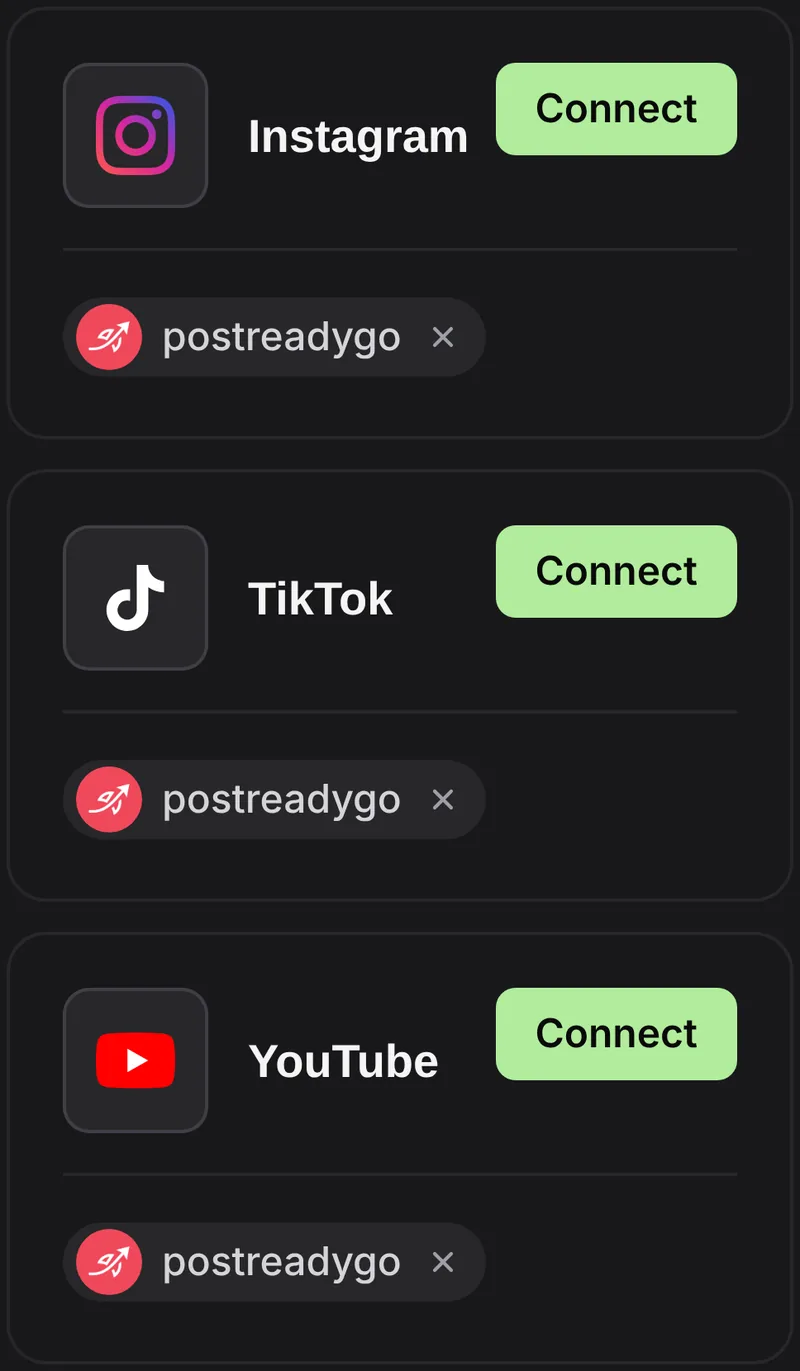
- Create a postreadygo account at postreadygo.com and open Linked. Connect Instagram, TikTok, YouTube or any other supported network.
- In Claude, open Settings, then Connectors, then Add custom connector.
- Name it postreadygo and paste:
https://www.postreadygo.com/mcp - Click Connect, sign in to postreadygo and press Allow.
- Test it: “List my postreadygo accounts.”
Step 5: One episode every evening
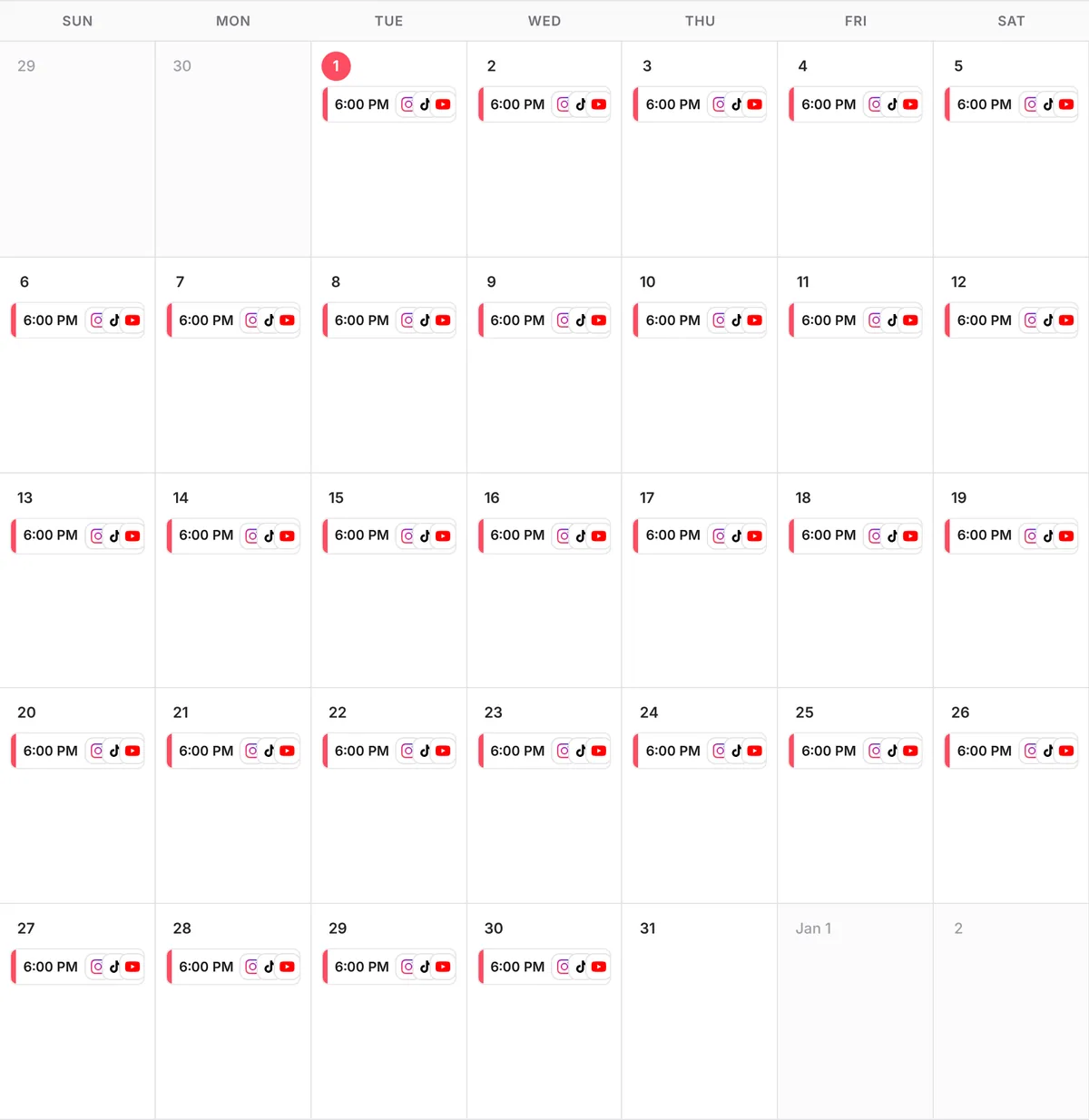
Horror does best in the evening. Upload the finished parts to Google Drive or Dropbox, paste the links into Claude and say:
Scheduling prompt
Here are parts 1 to 3 of my horror series, in order.
Post one part every evening at 9 PM my time on Instagram, TikTok and YouTube, starting tonight.
Use the captions from the season plan and end each one with "Comment 1 or 2."
Show me the plan before you schedule anything.
Questions people ask
Do I need to show my face?
No. The format is fully faceless: animated scenes, a narrator and text on screen.
Can Claude make the animation?
Claude writes the story, the rules, the choices and a description of every scene. You create the visuals from those descriptions in the image or animation tool you like.
How many parts should a season have?
Plan 10. It is long enough to build a following and short enough to finish. If it takes off, write season 2.
How much does postreadygo cost?
There is a 3-day free trial. After that, plans start at $9 per month. Current prices are on the postreadygo home page.
Which platforms can I post to?
Instagram, TikTok, YouTube, X, LinkedIn, Facebook, Threads, Pinterest and Bluesky.