4 posts, 31K followers: how to make a stickman horror series with Claude
A step-by-step guide to this format: what @stick.dimension does, why a reel with 5.4M views works, the Claude prompts to make your own version, and how postreadygo posts one every day at the best time on every platform.
You are the last person on Earth. So who just knocked on your door? Part 2 of this stickman horror story has 5.4 million views and almost 13,000 comments, on an account with 4 posts.
The format, and why it works
The account we looked at is @stick.dimension on Instagram, with about 31K followers as of November 12, 2026.
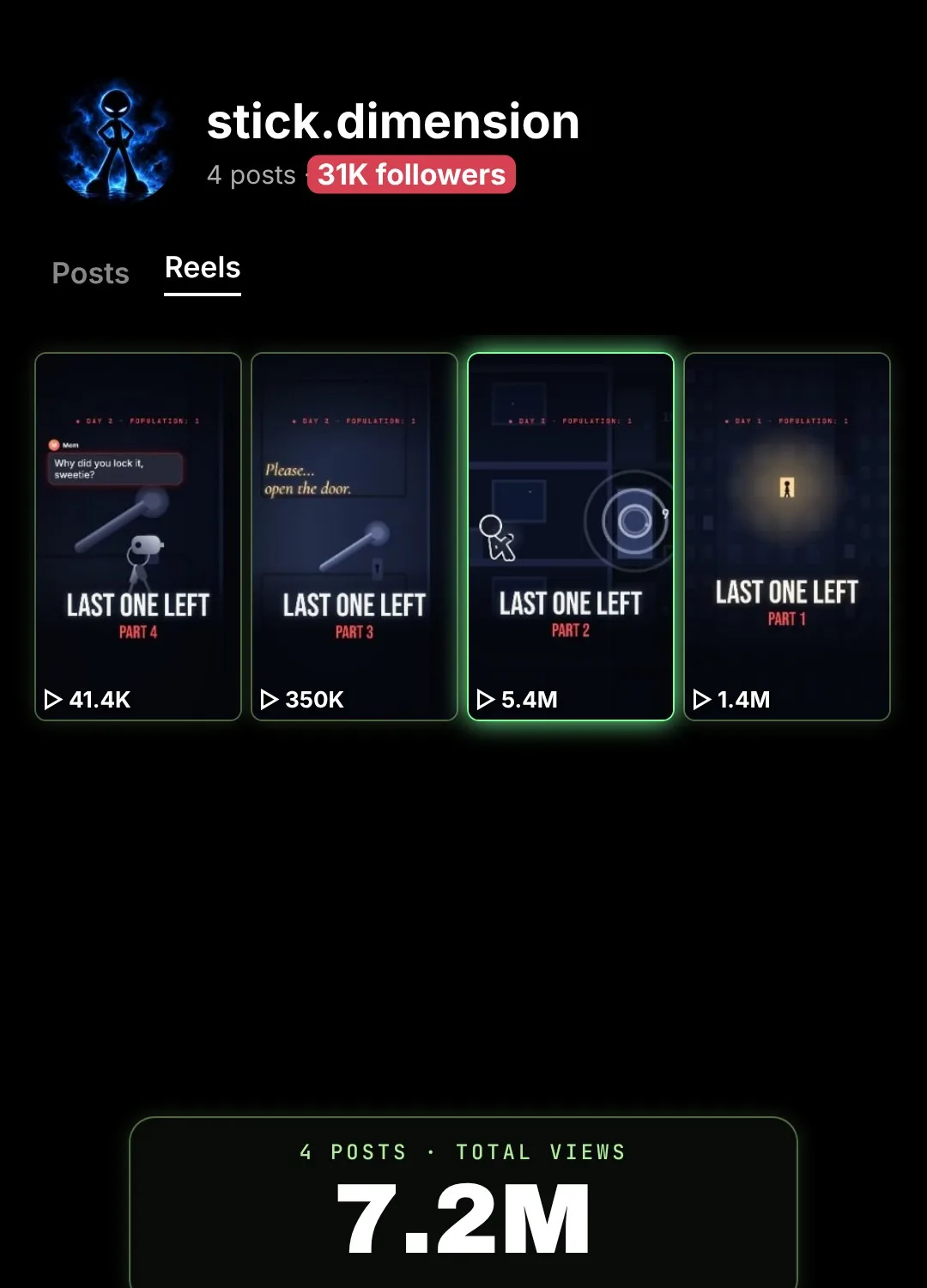
Part 2, posted on November 4, 2026, had 5.4M views, about 159K likes and 12.9K comments. The account’s 4 posts had about 7.2M views in total and 31K followers.
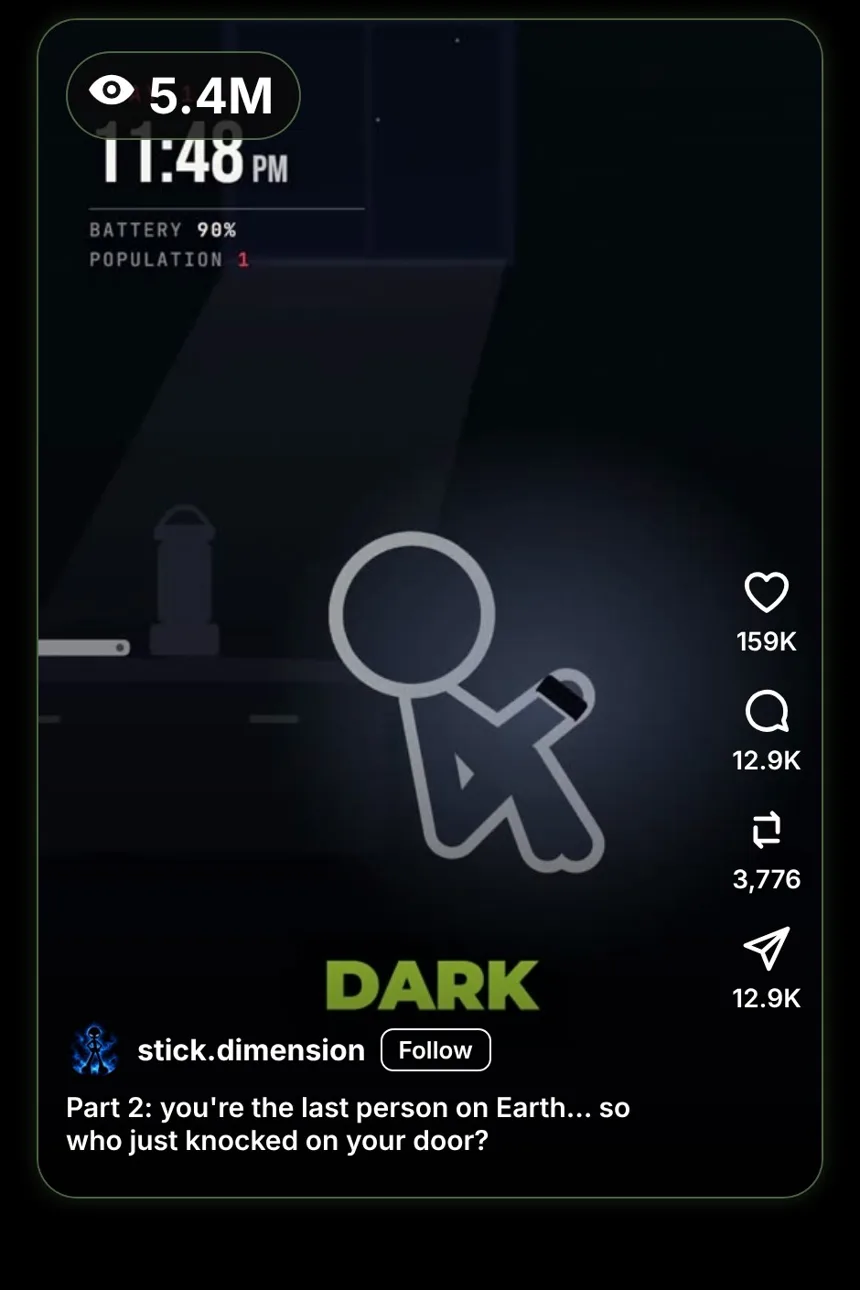
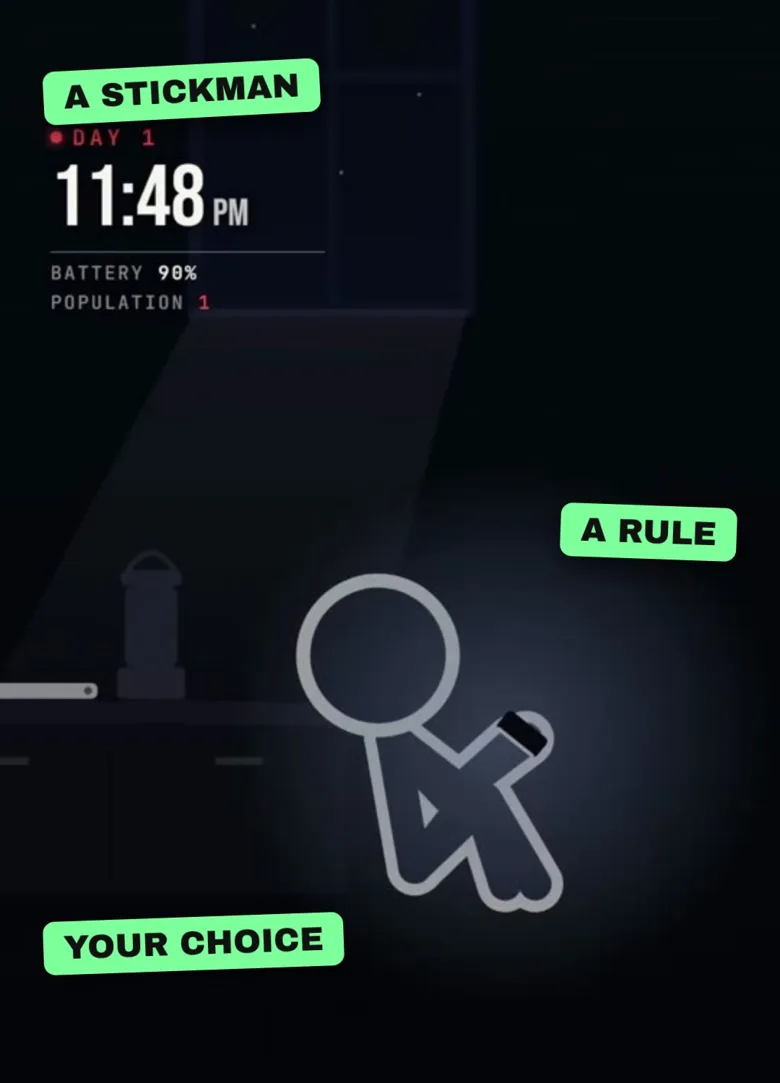
- A phone screen tells the story. The clock, a text from a stranger, a rule.
- Each part ends on a choice, and the comments make it.
- A stickman is enough. The fear is in the writing.
What Claude is and how to get an account
Claude is an AI assistant made by Anthropic. It can research, write scripts and prompts, and write the code that draws an animation in your browser.
- Go to claude.ai or install the Claude app.
- Sign up with your email address or your Google account.
- Type your first message in the box at the bottom.
Step 1: Claude writes every part
Claude writes every part prompt
Write a 6-part horror series: “You are the last person on Earth.”
For each part: a time on a phone clock, a text message from a stranger, one numbered rule, about 120 words of narration, and two choices at the end.
Keep the rules consistent.
Read what Claude gives you and change anything that does not sound like you.
Step 2: Claude writes both endings
Claude writes both endings prompt
For each part, write the opening of the next part twice: once for choice 1, once for choice 2.
Also write 6 scene descriptions per part for a dark, simple stickman animation.
If something looks wrong, tell Claude what you see and it fixes it.
Why posting by hand holds you back
- Five apps, five uploads. The same video, the same caption, again and again for Instagram, TikTok, YouTube, Facebook and Threads.
- The wrong time. You post when you remember, not when your audience is online.
- One busy day breaks the streak. Then two, then a week, and the account stops growing.
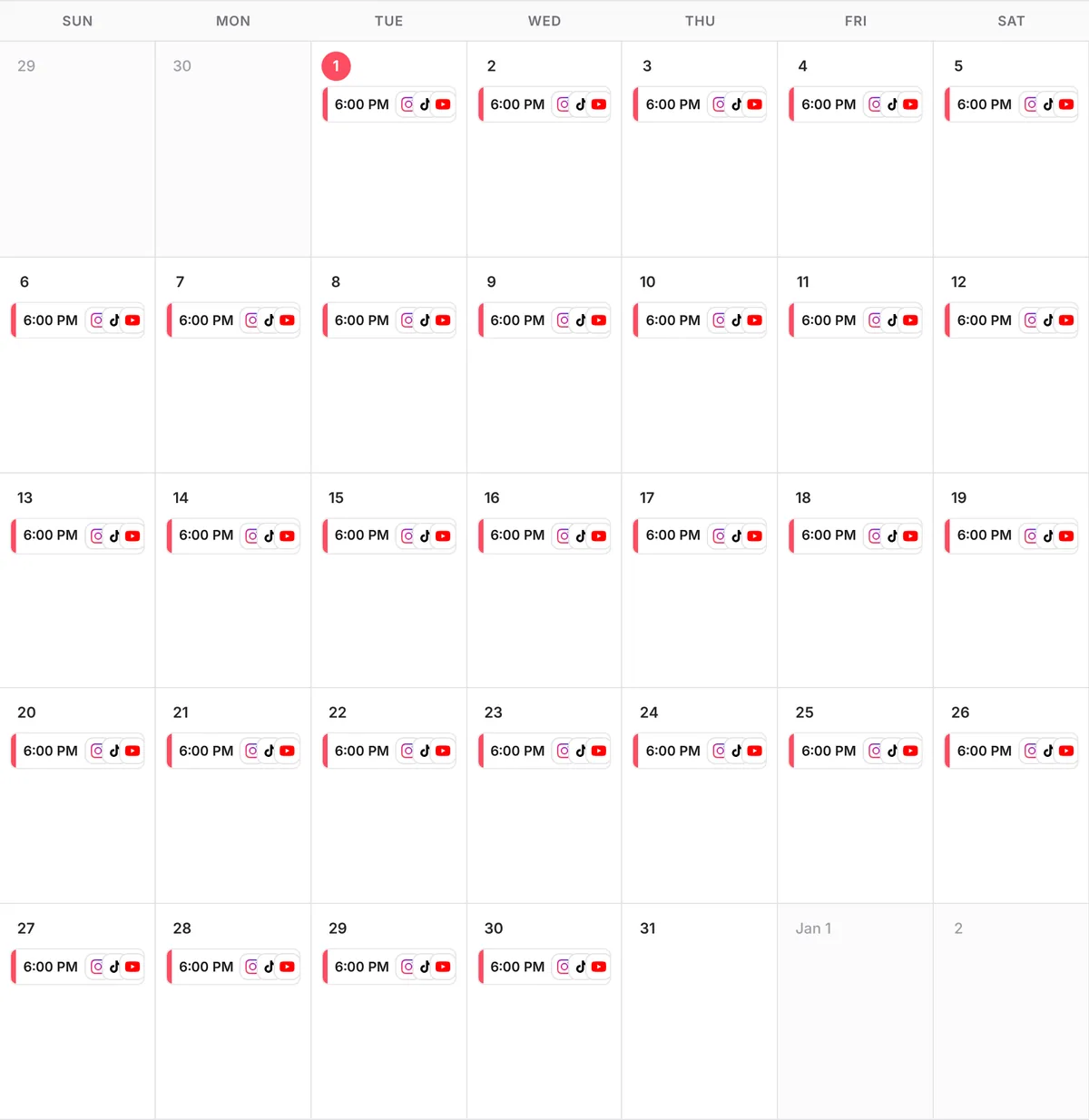
With postreadygo, one message to Claude schedules a whole month: one video a day, each at its best time, on every platform at once. That is 30 posts a month per platform, without opening a single app.
Step 3: Connect postreadygo to Claude
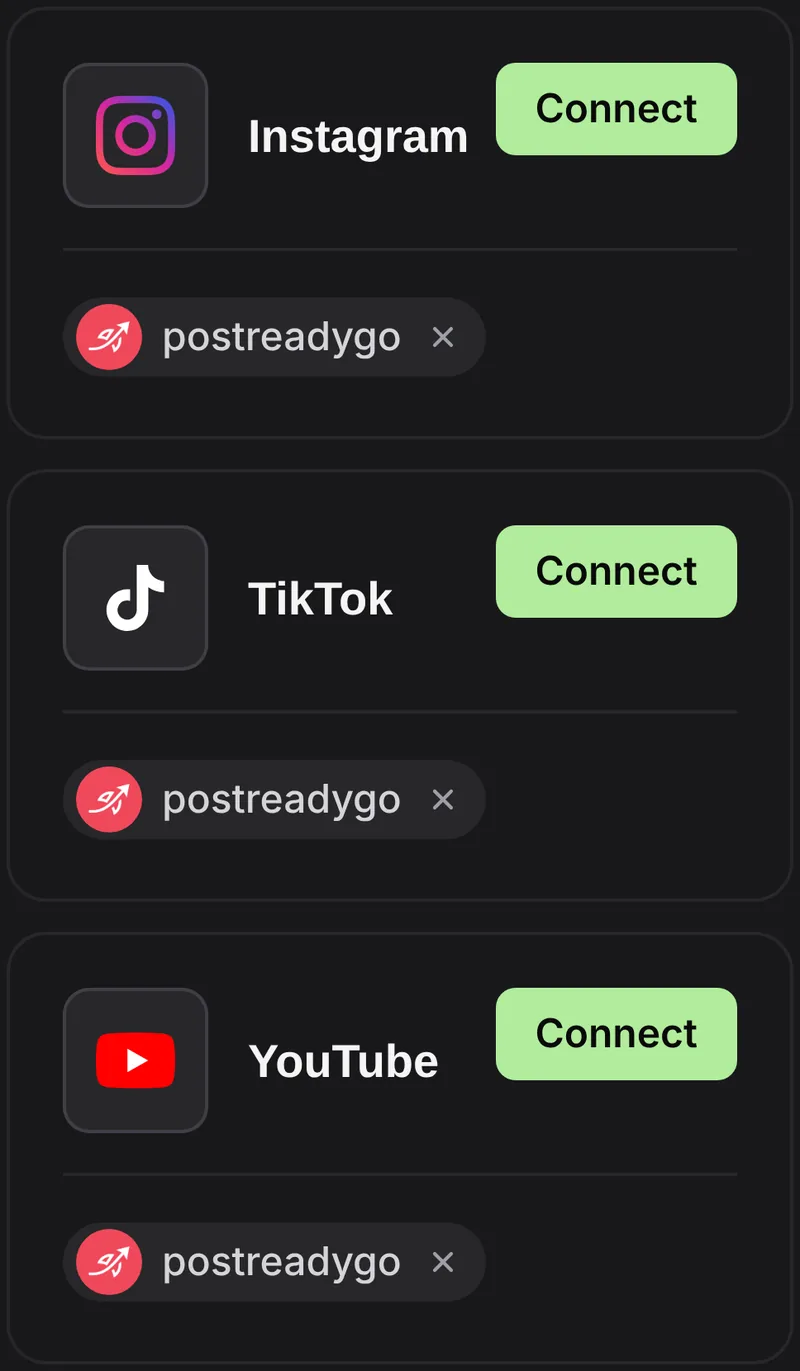
- Go to postreadygo.com and click Get started for free. Then open Linked and connect Instagram, TikTok, YouTube or any other supported network.
- In Claude, open Settings, then Connectors, then Add custom connector.
- Name it postreadygo and paste:
https://www.postreadygo.com/mcp - Click Connect, sign in to postreadygo and press Allow.
- Test it: “List my postreadygo accounts.”
Step 4: One a day, on autopilot
Scheduling prompt
Here are 30 videos.
Post one every day at the best time on Instagram, TikTok, YouTube, Facebook and Threads, starting tomorrow.
Write a caption for each that ends with a question.
Show me the plan before you schedule anything.
Questions people ask
Do I need special skills?
No. Claude writes the scripts, prompts and code. You check the result and press Record or generate the scenes.
Will my video get the same views?
Nobody can promise that. What you control is the format and posting consistently, which gives every video a chance.
How much does postreadygo cost?
You can get started for free with a 3-day trial. After that, plans start at $9 per month. Current prices are on the postreadygo home page.
Which platforms can I post to?
Instagram, TikTok, YouTube, X, LinkedIn, Facebook, Threads, Pinterest and Bluesky.