71M views on 10 videos: how to make “what if” 3D simulation reels with Claude
A step-by-step guide to the faceless “what if” simulation reel: a 3D city, a live counter and one line of text. Why one account got 71M views on its first 10 videos, the Claude prompts that write the science and build the 3D scene, and how postreadygo posts one every day at the best time on every platform.
“What if the Earth stopped spinning?” A calm 3D city, a counter in the corner that drops from 1,037 mph to zero, one line of text at a time, and then everything flies. That is the whole video, and it works: one account posted 10 of these in 9 days and passed 71 million views.
The format: one question, one counter
The account we looked at is @lunarcheeseee (Lunar Animation) on TikTok. As of November 11, 2026 it had 10 videos, posted between September 30 and October 8, with about 71.3 million views in total, 443.3K followers and 7.4M likes.
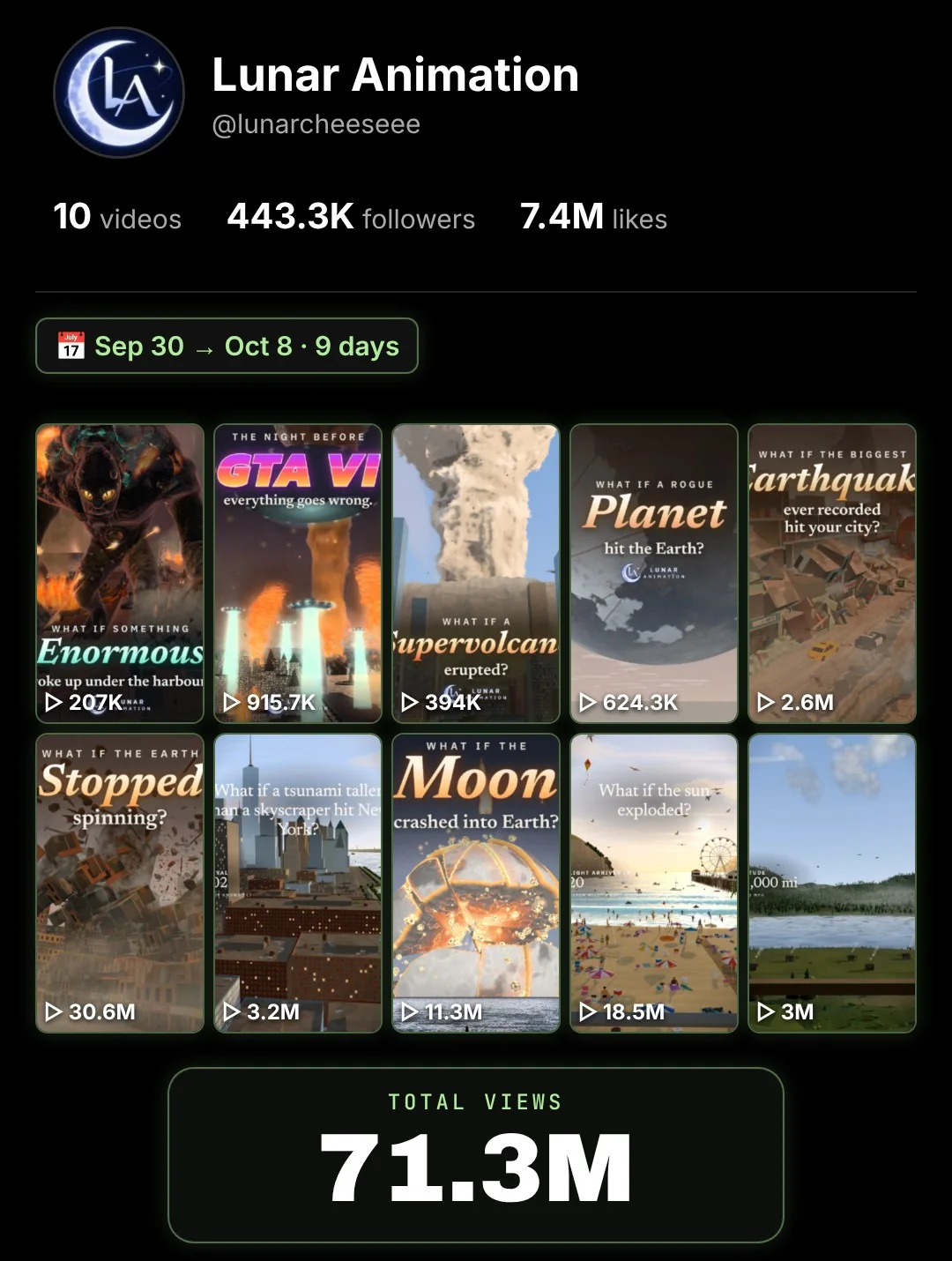
“What if the Earth stopped spinning?” had 30.6M views, 3.7M likes, 37.2K comments, 252.8K saves and 300.2K shares. “What if the sun exploded?” had 18.5M views.
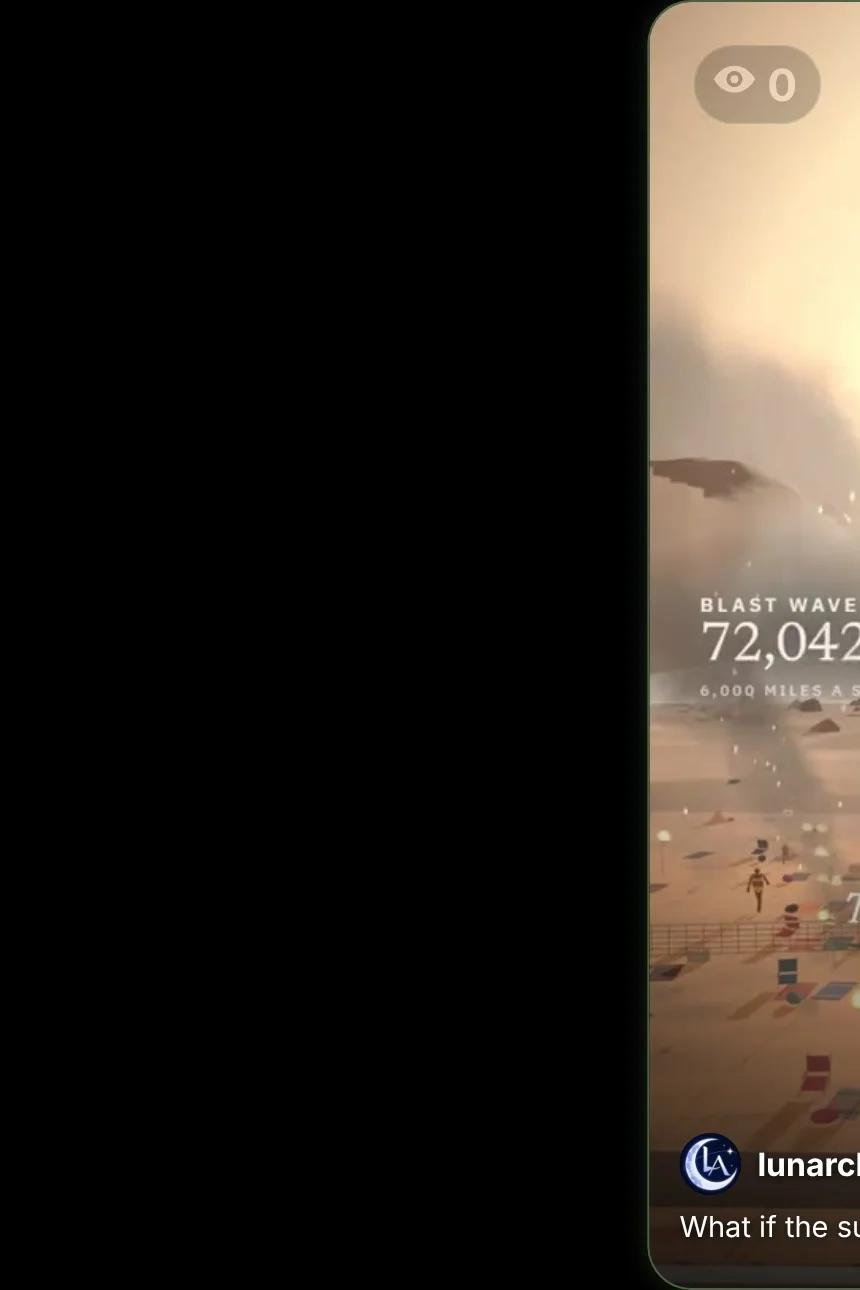
Every video uses the same three parts:
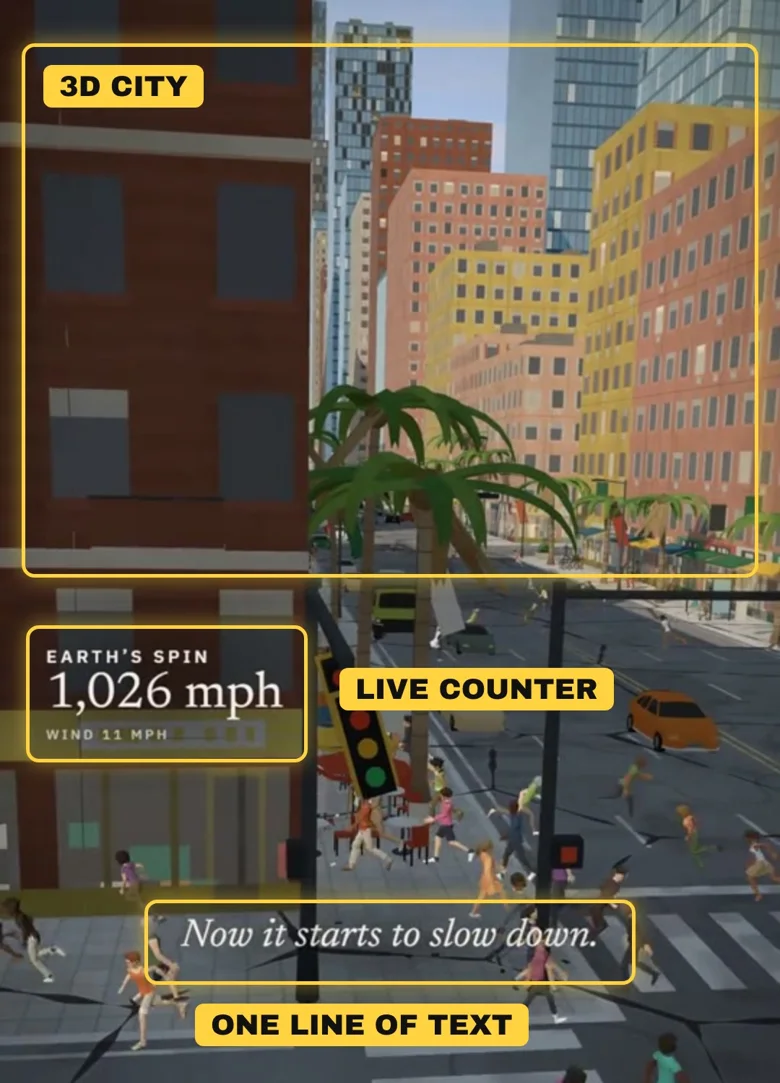
- The question is the hook. Everyone has wondered what would happen. You have to stay to find out.
- The live counter turns science into suspense: 1,037 mph, 824, 373… zero.
- One calm line of text at a time, like a movie subtitle, keeps it easy to follow without sound.
- It never runs out. The Moon, a supervolcano, a rogue planet, a tsunami: every “what if” is a new episode.
What Claude is and how to get an account
Claude is an AI assistant made by Anthropic. You describe what you want in plain English, and it can research, write and build small working apps, including 3D scenes that run in your browser.
- Go to claude.ai or install the Claude app.
- Sign up with your email address or your Google account.
- Type your first message in the box at the bottom.
Step 1: Claude writes the science and the numbers
Script prompt
Write a 60-second "what if" video script: What if the Earth stopped spinning?

- Start calm in a normal city, then escalate
- 8 short lines of on-screen text, one at a time
- A live counter for the video (for example "Earth's spin: 1,037 mph") with a value for every 4 seconds
- Keep every fact accurate and tell me where each number comes from
- End with one line people will want to comment on
Check the facts Claude gives you. A wrong number in a science video is the fastest way to lose trust.
Step 2: Claude builds the 3D scene
3D scene prompt
Build this as a single HTML file with three.js, in vertical 1080x1920.

- A simple low-poly 3D city street with buildings, cars, palm trees and people
- A slow camera move
- A live counter in the corner and the script lines as calm italic text in the middle
- Follow the counter values and timings from the script
- Add the effects: wind, flying debris, buildings breaking apart as the spin stops
- A Record button that downloads the video
Open the file in Chrome, press Record, and you have your video. If something looks wrong, tell Claude (“the buildings are too small”, “make the debris faster”) and it fixes it.
Why posting by hand holds you back
This account posted every day. Making the videos is the fun part; posting them is where most people give up.
- Five apps, five uploads. The same video, the same caption, again and again for Instagram, TikTok, YouTube, Facebook and Threads.
- The wrong time. You post when you remember, not when your audience is online.
- One busy day breaks the streak. Then two, then a week, and the account stops growing.
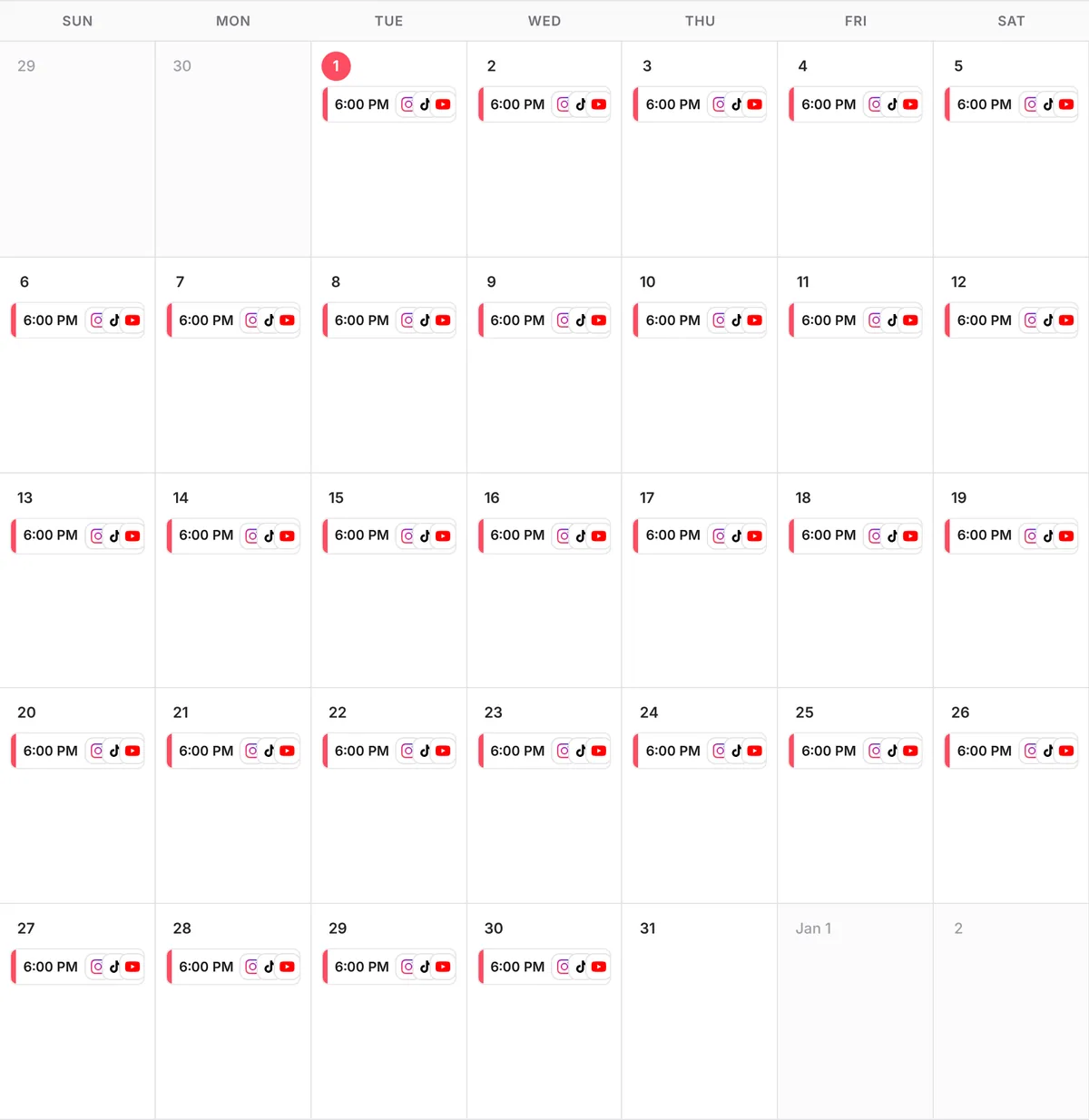
With postreadygo, one message to Claude schedules a whole month: one video a day, each at its best time, on every platform at once. That is 30 posts a month per platform, without opening a single app.
Step 3: Connect postreadygo to Claude
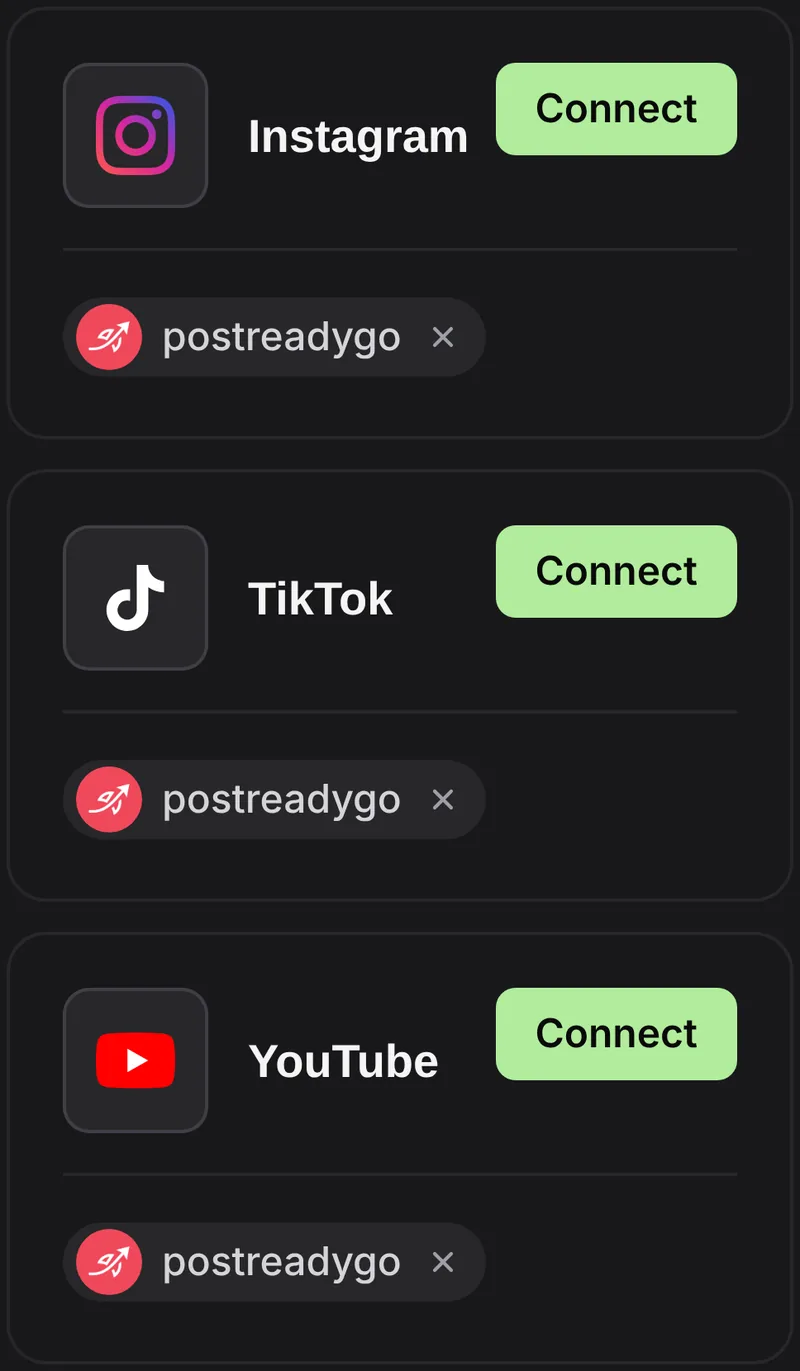
- Create a postreadygo account at postreadygo.com and open Linked. Connect Instagram, TikTok, YouTube or any other supported network.
- In Claude, open Settings, then Connectors, then Add custom connector.
- Name it postreadygo and paste:
https://www.postreadygo.com/mcp - Click Connect, sign in to postreadygo and press Allow.
- Test it: “List my postreadygo accounts.”
Step 4: One video a day, on autopilot
Scheduling prompt
Here are 30 "what if" videos.
Post one every day at the best time on Instagram, TikTok, YouTube, Facebook and Threads, starting tomorrow.
Write a caption for each that ends with a question.
Show me the plan before you schedule anything.
Questions people ask
Do I need to know 3D or coding?
No. Claude writes the three.js code; you open the file in your browser and record it.
How long should a “what if” video be?
The account we looked at posts 80-second videos. Start with 45 to 60 seconds and test longer ones.
Do I need sound?
Calm music or sound effects help, but the format works on mute thanks to the on-screen text.
How much does postreadygo cost?
There is a 3-day free trial. After that, plans start at $9 per month. Current prices are on the postreadygo home page.
Which platforms can I post to?
Instagram, TikTok, YouTube, X, LinkedIn, Facebook, Threads, Pinterest and Bluesky.