How to Schedule Instagram Posts in 2026: App, Desktop, Reels and Stories
How to schedule Instagram posts, Reels and carousels in the app, on desktop with Meta Business Suite and with a scheduler, plus limits, fixes and a weekly plan.
Posting at the right time every day is hard when you also have to make the content. The fix is to schedule: you make the posts when you have time, and Instagram (or a tool) publishes them when your audience is online.
This guide shows three ways to schedule Instagram posts, step by step: in the Instagram app, on desktop with Meta Business Suite, and with a scheduler like postreadygo. It also covers Reels, carousels, Stories, the limits nobody mentions and what to do when the schedule option is missing.
Key takeaways
- You need a professional account (Business or Creator) to schedule. It is free to switch.
- The Instagram app schedules posts, carousels and Reels. At launch the limit was 75 days ahead and 25 posts a day.
- Stories can not be scheduled in the app. Use Meta Business Suite for those.
- Use a scheduler when you post to more than Instagram or want a full calendar on desktop.
- Find your best time in Insights, then schedule into those slots every week.
The short answer
Yes, you can schedule Instagram posts. Here is how the three options compare:
| Instagram app | Meta Business Suite | postreadygo | |
|---|---|---|---|
| Photos and carousels | Yes | Yes | Yes |
| Reels | Yes | Yes | Yes |
| Stories | No | Yes | No |
| Works on desktop | No | Yes | Yes |
| Other platforms | No | Facebook only | TikTok, YouTube, X, LinkedIn and more |
| Schedule by chatting with Claude | No | No | Yes |
| Price | Free | Free | Free plan, paid plans from $9/month |
If you only post to Instagram from your phone, the app is enough. If you plan on a laptop, need Stories, or post the same content to several platforms, keep reading.
Before you start: switch to a professional account
Scheduling is only available on professional accounts. There are two kinds: Creator (for people, creators and public figures) and Business (for brands, shops and services). Both are free and both can schedule.
- Open your profile and tap the menu (three lines) in the top right.
- Go to Account type and tools (in some versions: Settings and privacy, then Account type and tools).
- Tap Switch to professional account and pick a category.
- Choose Creator or Business and finish the steps.
Method 1: How to schedule a post in the Instagram app
Instagram added native scheduling for professional accounts in November 2022. It works for feed posts, carousels and Reels.
- Tap + and choose Post or Reel.
- Pick your photo, carousel or video, edit it and tap Next.
- Write your caption, add tags and location.
- On the same screen, tap More options (called Advanced settings in older versions).
- Turn on Schedule this post, then choose the date and time.
- Tap Done, go back and tap Schedule.
Instagram will send you a notification when the post goes live. At launch, Instagram allowed scheduling up to 75 days in advance and up to 25 posts a day. If your date picker stops earlier, that is the limit on your account.
How to see, edit or cancel scheduled posts
- Go to your profile, tap the menu, then Scheduled content.
- Tap the three dots on a post to edit the caption, reschedule, share now or delete it.
- You can change the caption and time, but not the photo or video. To change the media, delete the post and schedule it again.
Method 2: How to schedule Instagram posts on desktop (Meta Business Suite)
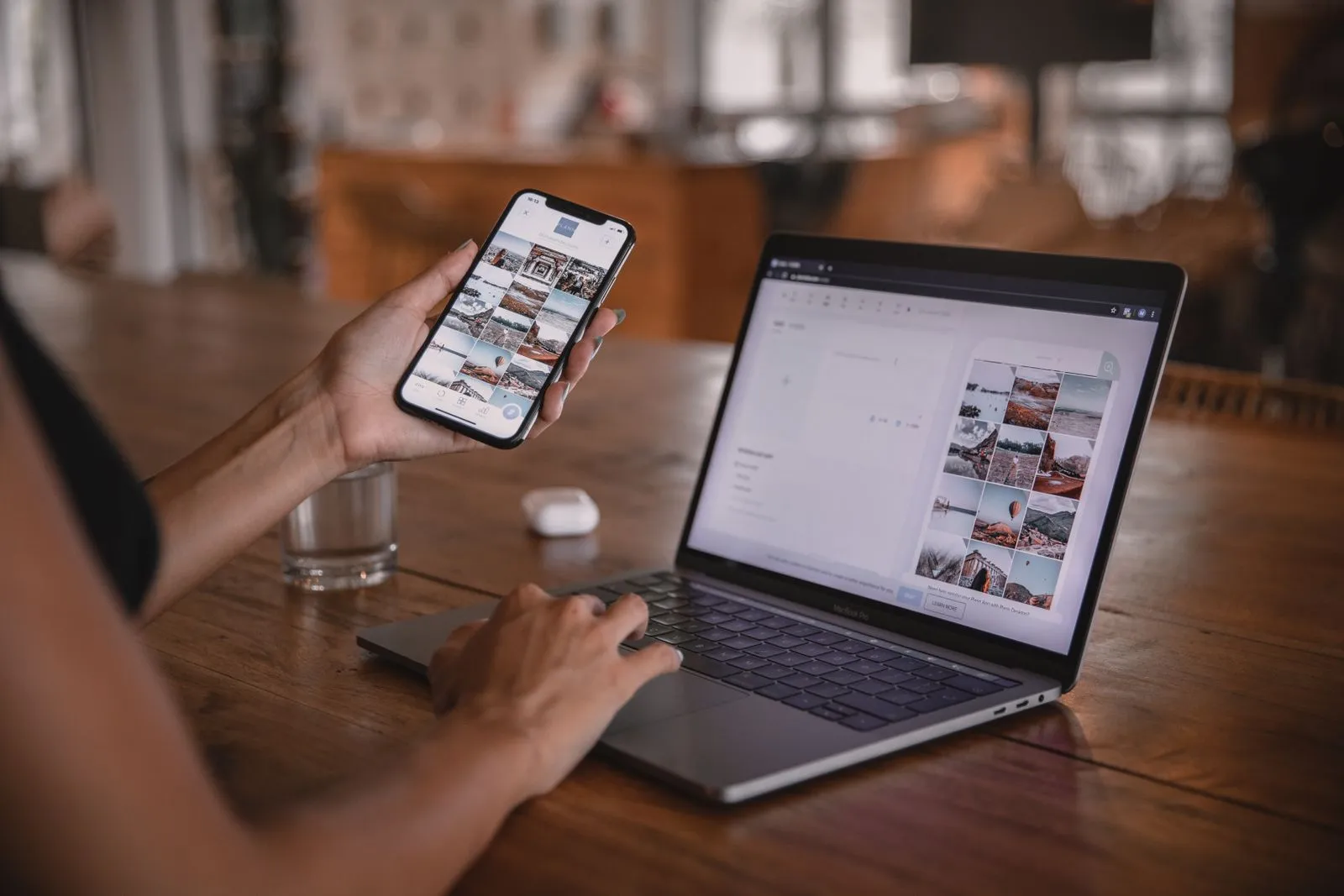
Meta Business Suite is Meta’s free tool for Facebook Pages and Instagram accounts. It is the best free way to schedule from a computer, and the only free way to schedule Stories.
- Connect your Instagram professional account to a Facebook Page (Meta Business Suite works through the Page).
- Open business.facebook.com and go to Content (or Planner).
- Click Create post (or Create Reel / Create story).
- Select your Instagram account as the place to publish. You can add the Facebook Page too.
- Add the media and caption, then open the arrow next to Publish and choose Schedule.
- Pick the date and time and click Schedule.
Meta Business Suite can also suggest active times based on when your followers were online recently. Treat them as a starting point, then check your own results.
Method 3: How to schedule Instagram posts with a scheduler
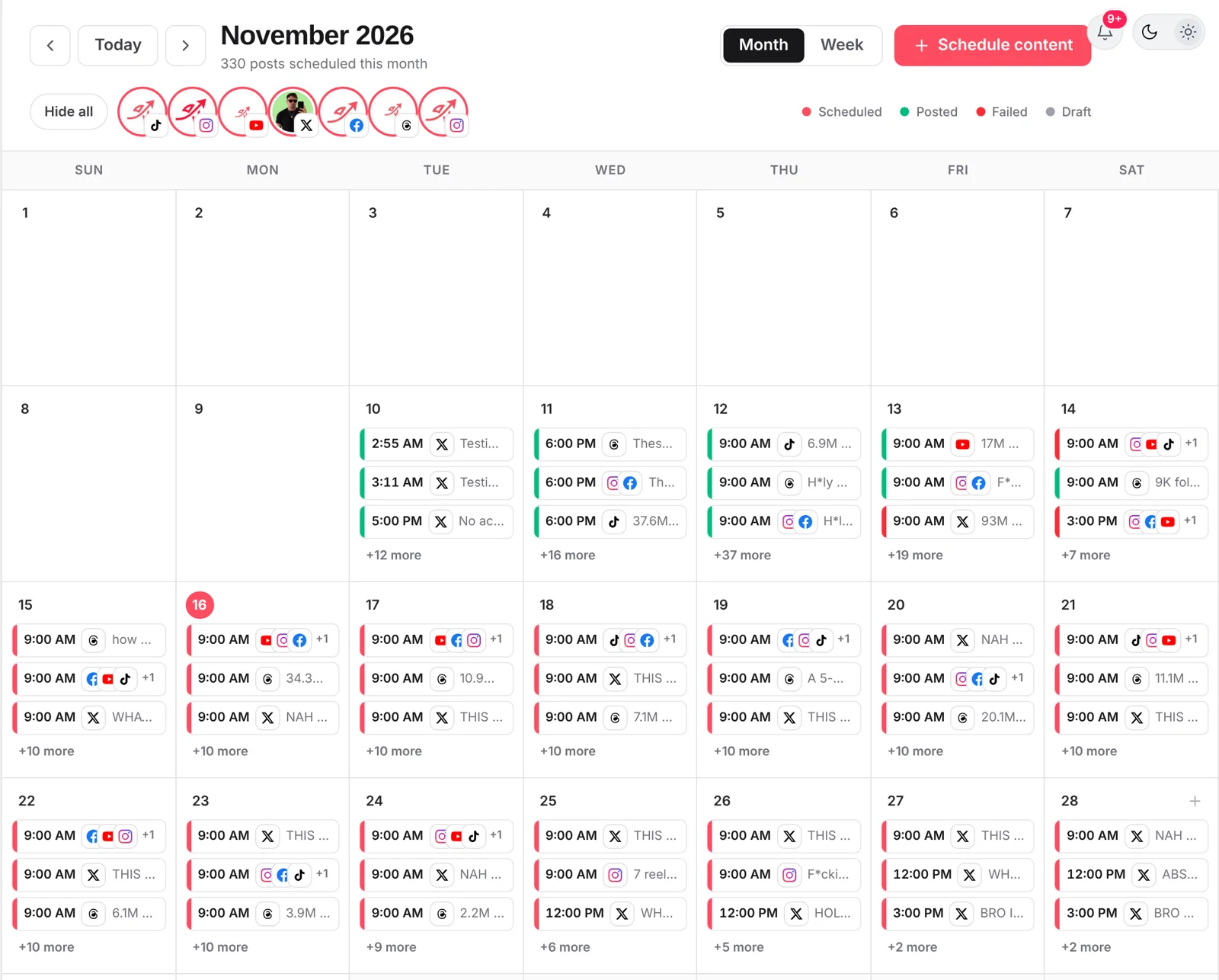
A scheduler is worth it when you post to more than Instagram, work in a team, or want to plan a full month in one sitting. Schedulers publish through Instagram’s official API, so you need a professional account here too.
Here is how it works in postreadygo:
- Create a free account and connect Instagram (plus TikTok, YouTube, X, LinkedIn or any other platform you use).
- Click New post, add your photo, carousel or Reel and write the caption.
- Select your Instagram account and any other accounts that should get the same post.
- Turn on When to post, pick a date and time, and click Schedule. Or add it to your queue and let it fill the next free slot.
- Check everything on the Calendar and drag posts to move them.
Schedule a whole week by chatting with Claude
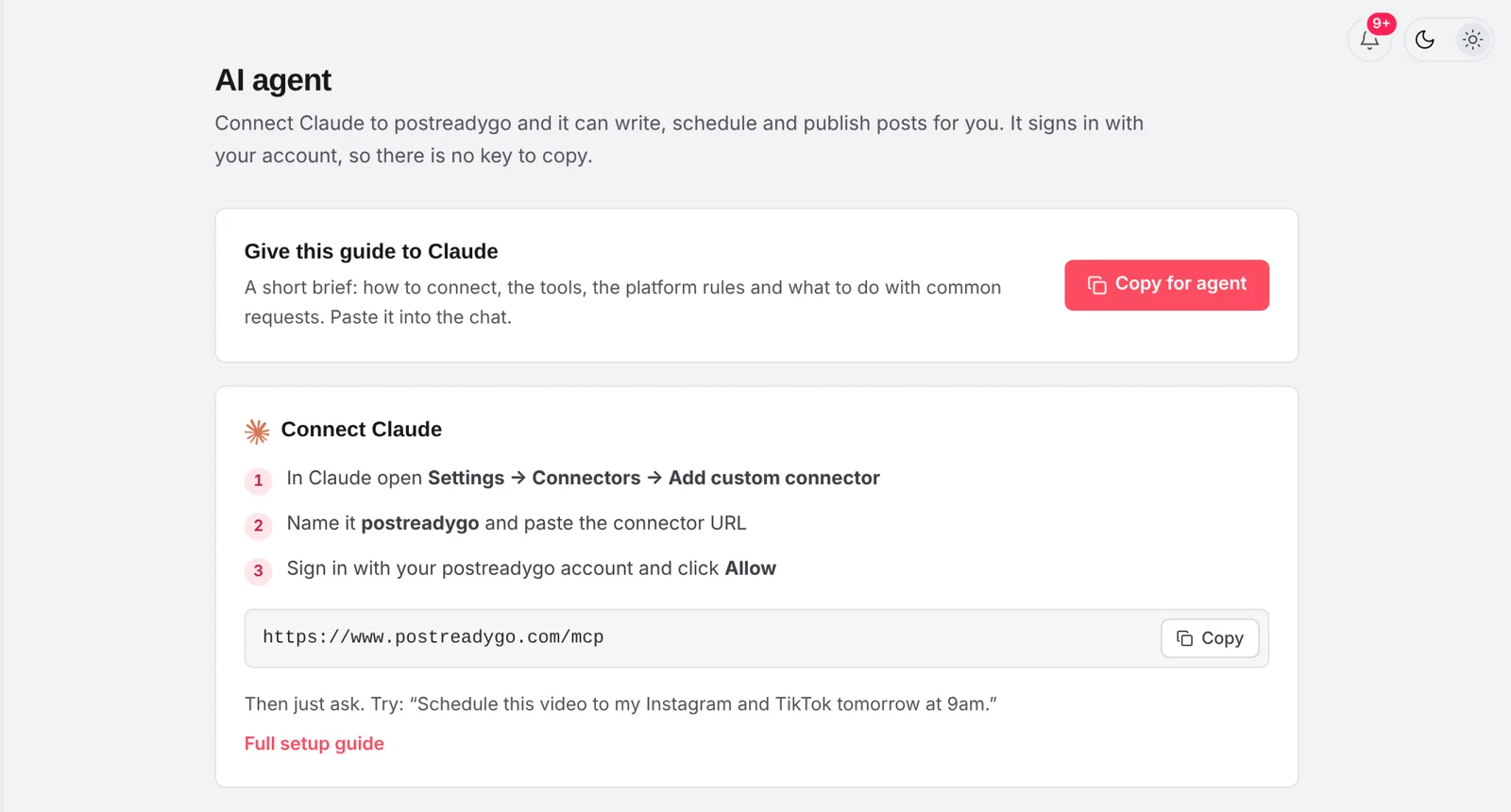
postreadygo also works inside Claude. Connect it once, then write something like: "Schedule these 7 Reels to Instagram, one a day at 6 pm, with a different caption for each." Claude checks your accounts and puts every post on your calendar. See how the Claude connector works.
How to schedule Instagram Reels

Reels are scheduled the same way as posts: in the app tap +, choose Reel, edit it, then use More options and Schedule this post. In Meta Business Suite use Create Reel. A few tips:
- Export in 9:16 (1080 x 1920) so nothing gets cropped.
- Choose the cover before you schedule. It shows on your grid for as long as the Reel is up.
- Music: songs from Instagram’s library can be added in the app, but third-party tools usually can not add them. If you schedule from a tool, put the audio in the video before you export, and only use audio you have the rights to.
- Keep the first 2 seconds strong. Scheduling does not fix a weak hook.
Can you schedule Instagram Stories?
Not in the Instagram app. The app only schedules posts, carousels and Reels. To schedule a Story, use Meta Business Suite (on desktop or in its mobile app) and choose Create story.
Many third-party schedulers can only send you a reminder to post a Story yourself, and stickers like polls, links and music usually have to be added by hand. postreadygo does not schedule Stories today: it focuses on posts, carousels and Reels.
What you can't schedule on Instagram
Some features are not available on scheduled content, especially when it goes through the API:
- Product tags, branded content labels and fundraisers are limited or not available on scheduled posts.
- Collab posts often can not be scheduled. Post them live or invite the collaborator after the post is up.
- Instagram filters and some editing tools are only in the app. Edit the media before you schedule it in a tool.
- API limit: Meta caps accounts at 100 API-published posts in 24 hours. That is plenty for almost everyone.
- Images through the API must be JPEG. Good schedulers convert other formats for you.
When should you schedule your Instagram posts?
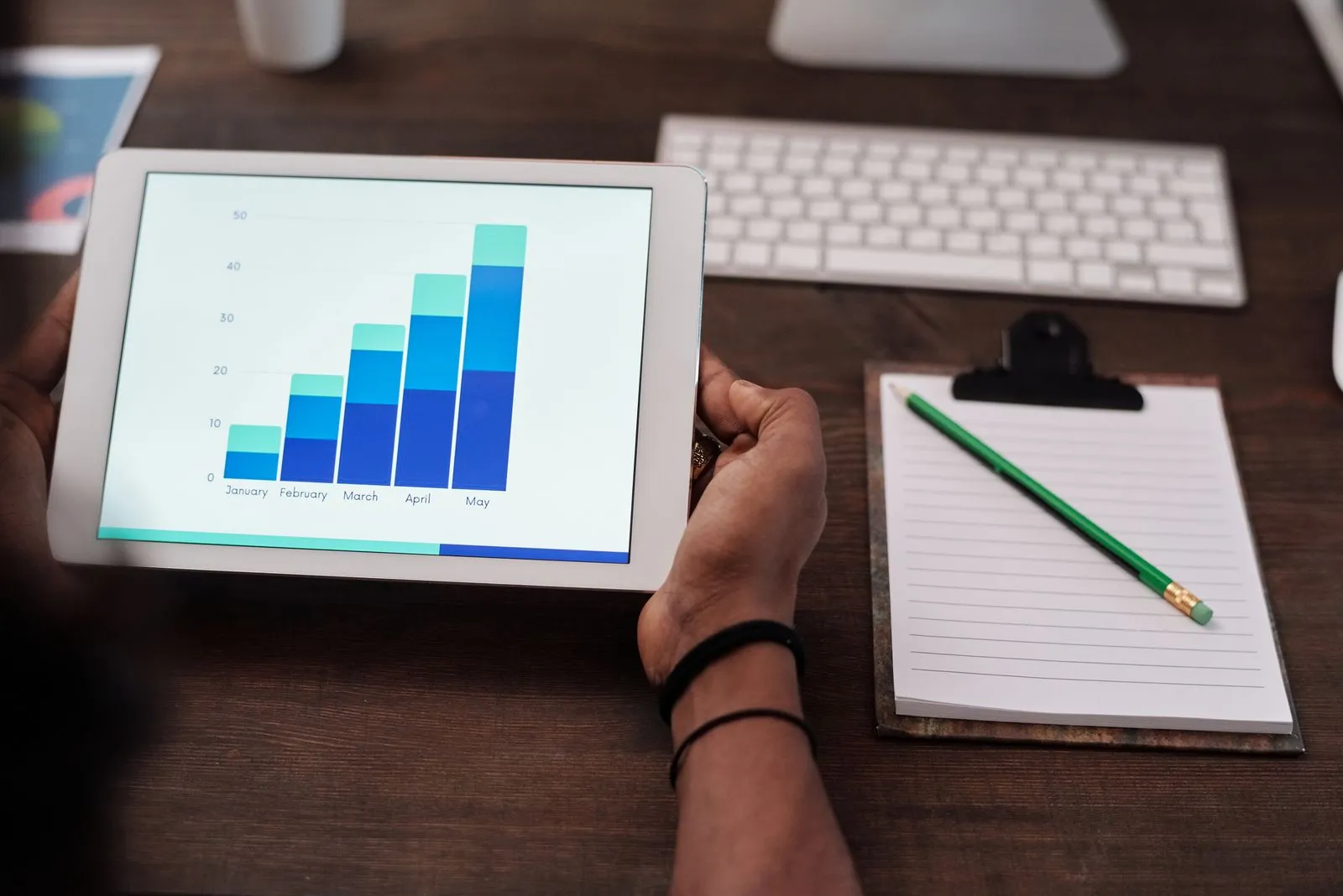
Every audience is different, so the best time is the time your followers are online. Here is a simple way to find it:
- Open Insights, then Total followers, and scroll to Most active times. You will see the busiest days and hours.
- Pick two or three slots from that list.
- Post at those times for two weeks, the same type of content in each slot.
- Compare reach in the first 24 hours. Keep the winning slots and test a new one.
Schedule a little before the busy hour, so the post is there when people open the app. If your followers live in another time zone, set your scheduler to that time zone.
A weekly Instagram plan you can copy

Consistency beats volume. This plan takes about one hour a week:
- Monday (30 minutes): pick 4 ideas for the week. Reuse what worked last week.
- Monday (30 minutes): make the posts and write the captions in one go.
- Schedule 3 Reels and 1 carousel into your best slots.
- Every day (5 minutes): reply to comments in the first hour after a post goes live. You can not schedule that part.
- Friday: check reach and saves, and note one thing to repeat.
Why can't I schedule posts on Instagram?
If you do not see Schedule this post, check these in order:
- You are on a personal account. Switch to Creator or Business (see above).
- Your app is out of date. Update Instagram in the App Store or Google Play.
- You added a feature that blocks scheduling, like a collaborator, a product tag or a fundraiser. Remove it and try again.
- The date is too far ahead. Pick a closer date.
- A scheduled post failed. Check your notifications. In a scheduler, reconnect the account if Meta logged it out, then publish again.
Frequently asked questions
Can you schedule Instagram posts for free?
Yes. Scheduling in the Instagram app and in Meta Business Suite is free for professional accounts (Business or Creator). Many schedulers, including postreadygo, also have a free plan.
How far in advance can you schedule an Instagram post?
When Instagram launched in-app scheduling in November 2022 it allowed posts and Reels up to 75 days ahead. Some 2026 guides report a shorter window for some accounts, so check how far the date picker in your app goes.
Do you need a business account to schedule on Instagram?
You need a professional account, which can be Business or Creator. Switching is free and takes about a minute in Settings. Personal accounts do not get the scheduling option.
Can I schedule Instagram Stories?
Not in the Instagram app. You can schedule Stories in Meta Business Suite. Many third-party tools can only remind you to post a Story, so check before you rely on one.
Do scheduled Instagram posts get less reach?
Instagram has not said that scheduled posts are treated differently, and in-app scheduling is its own feature. Reach depends on the content and on when your audience is online, not on how the post was published.
How do I edit or cancel a scheduled Instagram post?
In the app, open your profile, tap the menu and go to Scheduled content. Tap the three dots on a post to edit it, change the time, share it now or delete it. In a scheduler, open the post in its calendar.
Ready to plan your next week? Start free with postreadygo and schedule Instagram, TikTok, YouTube and more from one calendar.
More Instagram guides
- Best Time to Post on Instagram in 2026 (and How to Find Yours)
- How to Schedule Instagram Reels (App, Desktop and Scheduler)
- Instagram Reels Length and Size Guide (2026 Specs)
- How Many Hashtags Should You Use on Instagram in 2026?