How to Schedule TikTok Posts in 2026 (Desktop and Scheduler)
Schedule TikTok videos in TikTok Studio on desktop or with a scheduler. Steps, the 10-day limit, what you can not edit after scheduling, and a weekly routine.
Posting a TikTok at the perfect hour every day is hard to keep up. Scheduling fixes it. Here are the two ways to do it and the limits that trip people up.
Key takeaways
- TikTok’s built-in scheduler is in TikTok Studio on desktop.
- You can schedule up to 10 days ahead there.
- After scheduling, you usually can not change the video or caption: delete and re-schedule.
- A scheduler adds a full calendar and posts the same video to Reels and Shorts too.
The short answer
Yes, you can schedule TikTok posts. Use TikTok Studio on a computer for free, or a scheduler if you want a calendar, a queue or to post the same video to several platforms.
Method 1: Schedule in TikTok Studio (desktop)
- Go to tiktok.com, log in and open TikTok Studio.
- Click Upload and add your video.
- Write the caption, add hashtags and choose a cover.
- Turn on Schedule and pick a date and time (it uses your computer’s time zone).
- Click Schedule. You get a notification when the video goes live.

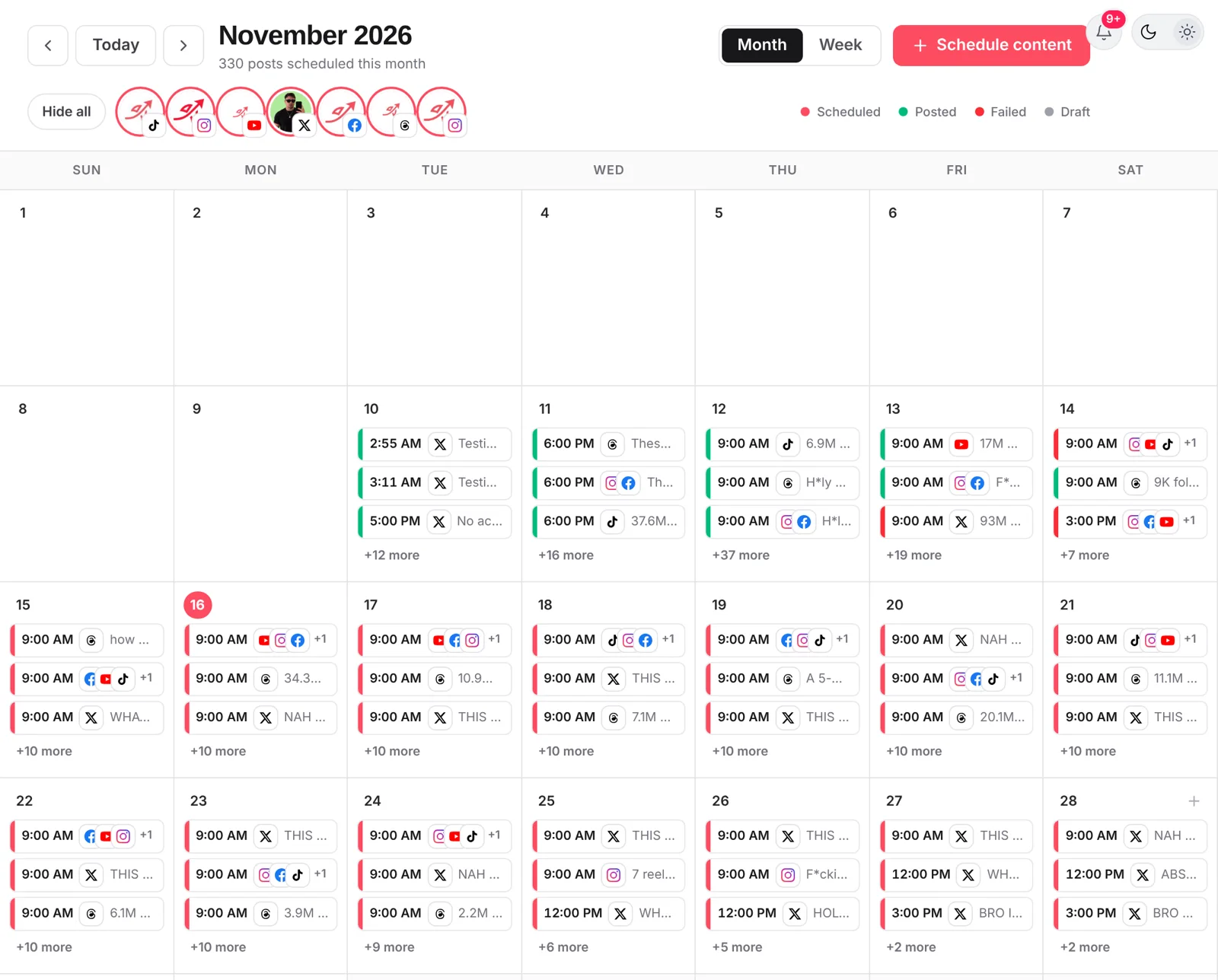
Method 2: Schedule TikToks with postreadygo
- Create a free account and connect your TikTok account.
- Click New post, then Video post (or Image post for a photo carousel).
- Select TikTok, plus Instagram and YouTube if the same video goes there.
- Set the TikTok options (privacy, comments, duet and stitch).
- Turn on When to post, pick a time and click Schedule.
Limits to know
- 10 days ahead is the maximum in TikTok Studio.
- Editing: TikTok does not let you change the video of a scheduled post. Delete it and schedule again.
- Sounds: songs from TikTok’s library are added in the TikTok editor. Through a scheduler, use original audio or audio you have the rights to, mixed into the file.
- Time zone: double-check which time zone the scheduler uses.
A weekly TikTok scheduling routine
- Sunday: film 5–7 videos in one session.
- Monday: edit, write captions, schedule one a day at your best time.
- Daily: 10 minutes replying to comments in the first hour after a post goes live.
- Friday: check which video held attention best and plan more like it.
Frequently asked questions
Can you schedule TikTok posts on the app?
The main built-in scheduler is in TikTok Studio on the web. Scheduled posts then show up under scheduled content in the app. Schedulers that use TikTok’s API can schedule from any device.
How far ahead can you schedule TikToks?
TikTok’s own scheduler lets you schedule up to 10 days in advance. Third-party schedulers can plan further ahead because they publish at the chosen time.
Do scheduled TikToks get fewer views?
There is no sign that TikTok treats scheduled videos differently. Views depend on the video and on who sees it first.
Want to plan a week of TikToks without being online at the right minute? Start free with postreadygo and schedule TikTok, Instagram and YouTube from one calendar.
More TikTok guides
- Best Time to Post on TikTok in 2026 (Find Your Own Time)
- TikTok Video Size and Length Guide (2026 Specs)
- How Often Should You Post on TikTok in 2026?
- How to Post on TikTok From a Computer (PC and Mac)