How to Schedule YouTube Videos and Shorts (Step by Step)
Schedule YouTube videos and Shorts in YouTube Studio on desktop, in the YouTube app, or with a scheduler. Steps, premieres, time zones and common mistakes.
YouTube has scheduling built in, on desktop and in the app. Here is how to use it, and when a scheduler is worth adding.
Key takeaways
- In YouTube Studio: Visibility → Schedule.
- Shorts can be scheduled the same way.
- The video stays private until the scheduled time.
- A scheduler adds one calendar for YouTube, Instagram and TikTok.
Schedule a video in YouTube Studio
- Open YouTube Studio and click Create → Upload videos.
- Add the title, description and thumbnail.
- Fill in Video elements (subtitles, end screen, cards) if you use them.
- On the Visibility step choose Schedule.
- Pick the date, time and time zone, then click Schedule.

Schedule in the YouTube app
- Tap + and upload a video or Short.
- Add details, then open Visibility.
- Choose Schedule, set the date and time, and upload.
Schedule YouTube with postreadygo
- Create a free account and connect your YouTube channel.
- Click New post → Video post and upload the file.
- Write the title and description, choose public or private.
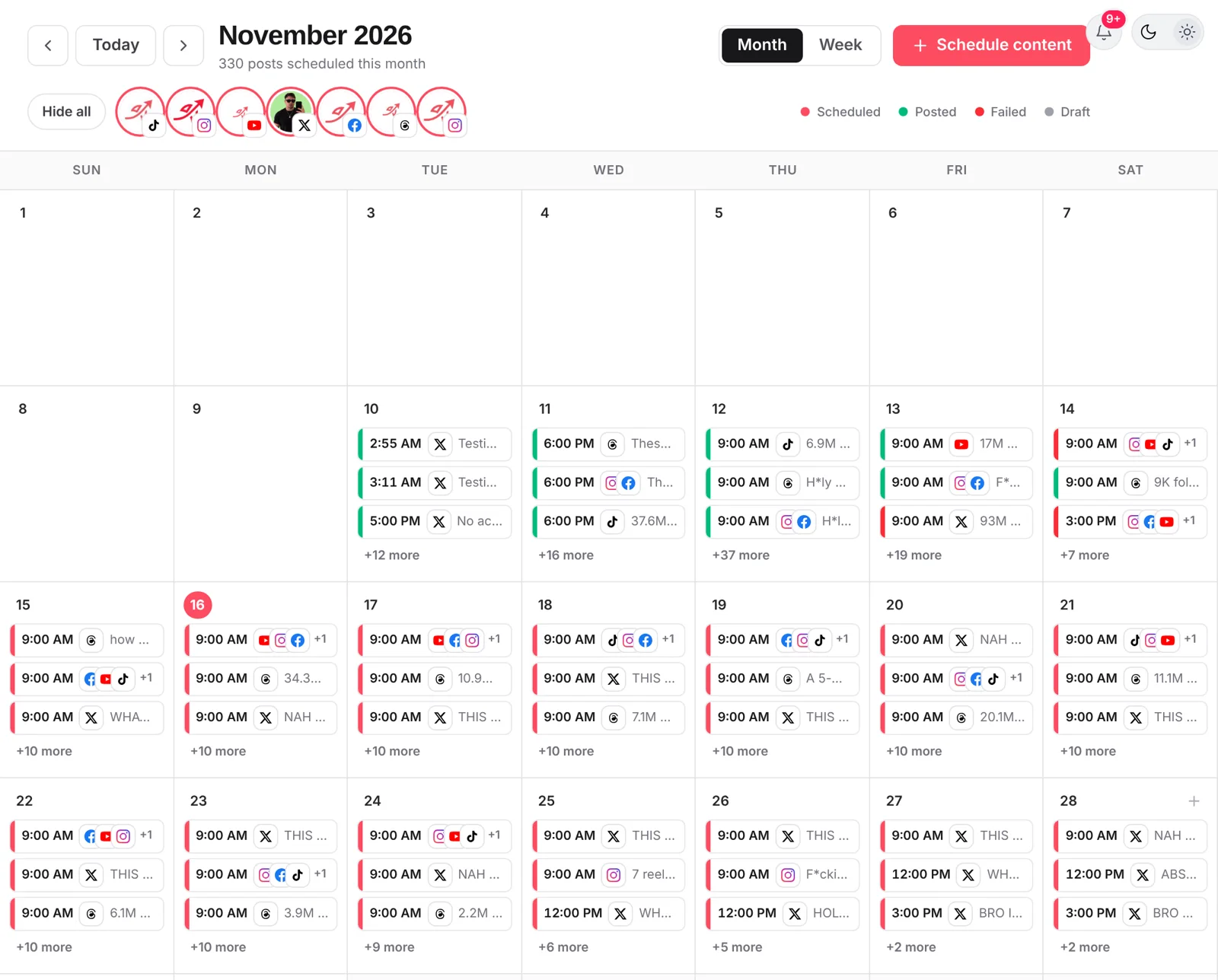
- Turn on When to post, pick a time and click Schedule. Add Instagram and TikTok to post the same Short there.
Tips and common mistakes
- Check the time zone before you schedule.
- Upload the custom thumbnail before the video goes live, or YouTube picks a frame.
- Add subtitles early: they help viewers and search.
- Schedule a little before your viewers’ peak. See best time to post on YouTube.
Frequently asked questions
Can you schedule YouTube Shorts?
Yes. Upload the Short, set visibility to Schedule and pick a time, on desktop or in the YouTube app.
What happens to a scheduled YouTube video before it goes live?
It stays private until the scheduled time, then becomes public automatically.
Is a premiere the same as scheduling?
No. A premiere also schedules the video but creates a public watch page with a countdown and live chat. Normal scheduling just makes the video public at the set time.
Want to plan your YouTube uploads ahead? Start free with postreadygo and schedule YouTube, Instagram and TikTok from one calendar.
More YouTube guides
- Best Time to Post on YouTube in 2026 (Videos and Shorts)
- YouTube Shorts Length and Size Guide (2026 Specs)
- How to Upload YouTube Shorts From a PC or Mac
- YouTube Thumbnail Size Guide (2026): Dimensions, File Size, Tips