How to See TikTok Analytics (and the Metrics That Matter)
Find TikTok analytics in TikTok Studio on your phone or computer, learn what views, watch time and follower activity mean, and the three numbers to check weekly.
TikTok analytics show what keeps people watching. Here is where to find them and the few numbers that tell you what to post next.
Key takeaways
- Analytics live in TikTok Studio, on the phone and on desktop.
- Average watch time and watched full video matter most.
- Follower activity shows when to post.
Where to find TikTok analytics
- Go to your profile and open the menu.
- Tap TikTok Studio, then Analytics.
- On desktop, go to tiktok.com, open TikTok Studio and click Analytics.
What the main metrics mean
| Metric | What it tells you |
|---|---|
| Video views | How often your videos were played |
| Profile views | How many people checked out your account |
| Average watch time | How long people stayed, on average |
| Watched full video | Share of viewers who reached the end |
| Traffic source | For You, Following, search, profile or sound |
| Follower activity | When your followers are online |
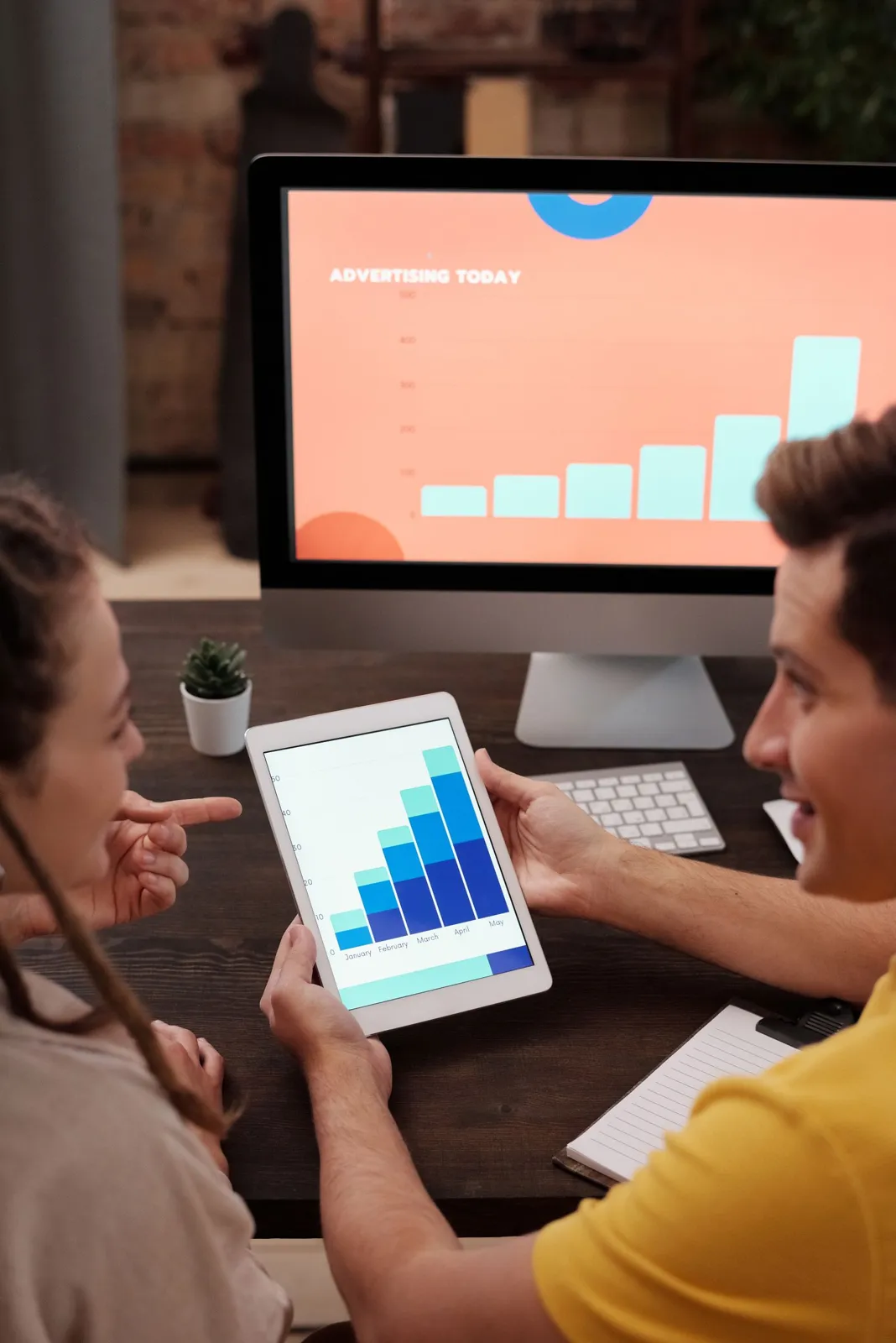
Per-video analytics
Open any video, tap the three dots or the view count, then Analytics. The retention graph shows the exact second people left. If many leave in the first two seconds, fix the hook. If they leave in the middle, cut that part next time.
The three numbers to check weekly
- Average watch time compared to video length.
- Search traffic share: growing search traffic means your captions work.
- Followers gained per video: which topics turn viewers into followers.
Then use Follower activity to set your best time to post.
Frequently asked questions
How do I see analytics on TikTok?
Open TikTok Studio from your profile menu (or at tiktok.com on desktop) and go to Analytics.
What is a good average watch time on TikTok?
There is no single number, because it depends on video length. Compare average watch time to the length of the video and to your own previous videos.
How long does TikTok keep analytics?
TikTok shows recent periods such as the last 7, 28 or 60 days. Export or note your numbers regularly if you want a longer history.
Want to plan your next TikToks without being online at the right minute? Start free with postreadygo and schedule TikTok, Instagram and YouTube from one calendar.
More TikTok guides
- Best Time to Post on TikTok in 2026 (Find Your Own Time)
- How to Schedule TikTok Posts in 2026 (Desktop and Scheduler)
- TikTok Video Size and Length Guide (2026 Specs)
- How Often Should You Post on TikTok in 2026?