TikTok Photo Mode: How to Post Photo Carousels That Get Swipes
How TikTok photo mode works, how many photos you can post, the best size and how to make photo carousels people swipe to the end.
Not every TikTok needs to be a video. Photo mode lets you post a swipeable set of images with music, and it is one of the easiest formats to make consistently.
Key takeaways
- Up to 35 photos per post.
- Use 1080 x 1920 vertical images.
- Put the hook on photo one and a reason to swipe on every slide.
What TikTok photo mode is
Photo mode turns a set of images into a post people swipe through, with optional music and a longer caption. It is great for lists, tips, recipes, outfits and before/after sets.
How to post a photo carousel
- Tap +, then Upload, and choose the Photos tab.
- Select your images in order.
- Add a sound, text and stickers if you want.
- Write a caption with a clear first line, then post or save as draft.

Size and limits
| Spec | Value |
|---|---|
| Photos per post | Up to 35 |
| Best size | 1080 x 1920 (9:16) |
| Formats (via API) | JPEG or WebP, up to 20 MB each |
| Caption (via API) | Title 90 characters, description 4,000 |
What works in photo mode
- Numbered lists: "7 things I wish I knew before…"
- Step-by-step guides and recipes.
- Before and after sets.
- Quotes or facts with one big line per slide.
Frequently asked questions
How many photos can you post on TikTok?
Up to 35 photos in one photo mode post.
What size should TikTok photos be?
Vertical 1080 x 1920 fills the screen. Other sizes work but show with bars.
Can I schedule TikTok photo carousels?
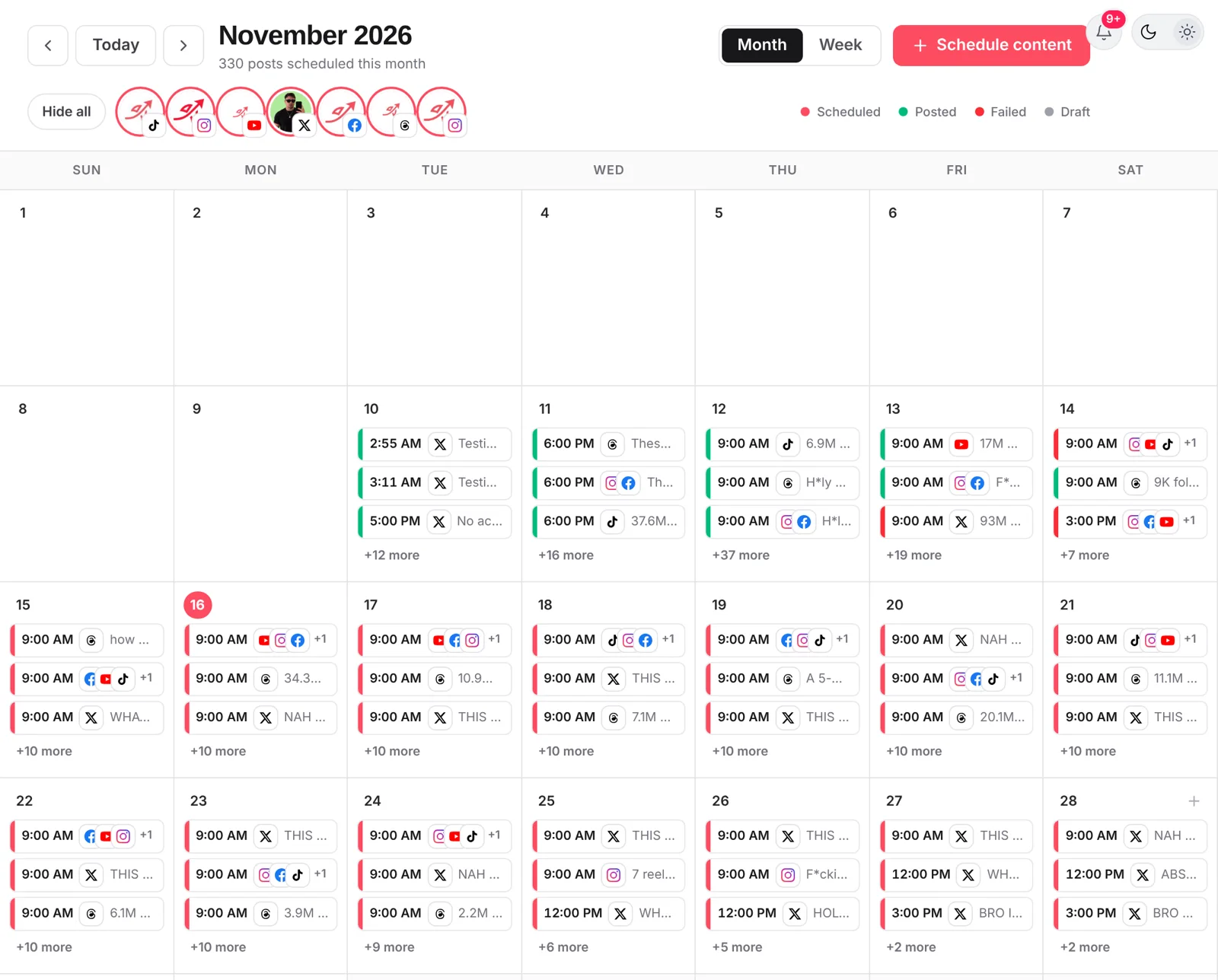
Yes, schedulers that support TikTok’s photo posting, including postreadygo, can schedule photo carousels.
Want to plan your TikTok carousels without being online at the right minute? Start free with postreadygo and schedule TikTok, Instagram and YouTube from one calendar.
More TikTok guides
- Best Time to Post on TikTok in 2026 (Find Your Own Time)
- How to Schedule TikTok Posts in 2026 (Desktop and Scheduler)
- TikTok Video Size and Length Guide (2026 Specs)
- How Often Should You Post on TikTok in 2026?