How to Post on Instagram From a PC or Mac (2026 Guide)
Post photos, carousels and Reels to Instagram from your computer with instagram.com, Meta Business Suite or a scheduler. Step by step for PC and Mac.
Editing on a big screen and typing captions on a real keyboard is faster than doing everything on your phone. Here are three ways to post on Instagram from a PC or Mac, and which one to pick.
Key takeaways
- instagram.com: post photos, carousels and Reels from a browser. No scheduling.
- Meta Business Suite: post and schedule, including Stories. Needs a professional account.
- A scheduler: post and schedule to Instagram and other platforms from one calendar.
Option 1: Post from instagram.com
- Go to instagram.com and log in.
- Click Create (the + icon) in the left menu, then Post.
- Drag your photos or video into the window. Add more files to make a carousel.
- Crop, choose filters, then click Next.
- Write the caption, add location and tags, then click Share.

Option 2: Post and schedule with Meta Business Suite
- Open business.facebook.com and connect your Instagram professional account.
- Go to Content and click Create post, Create Reel or Create story.
- Select Instagram as the place to publish.
- Add media and caption, then choose Publish now or Schedule.
Option 3: Post with a scheduler
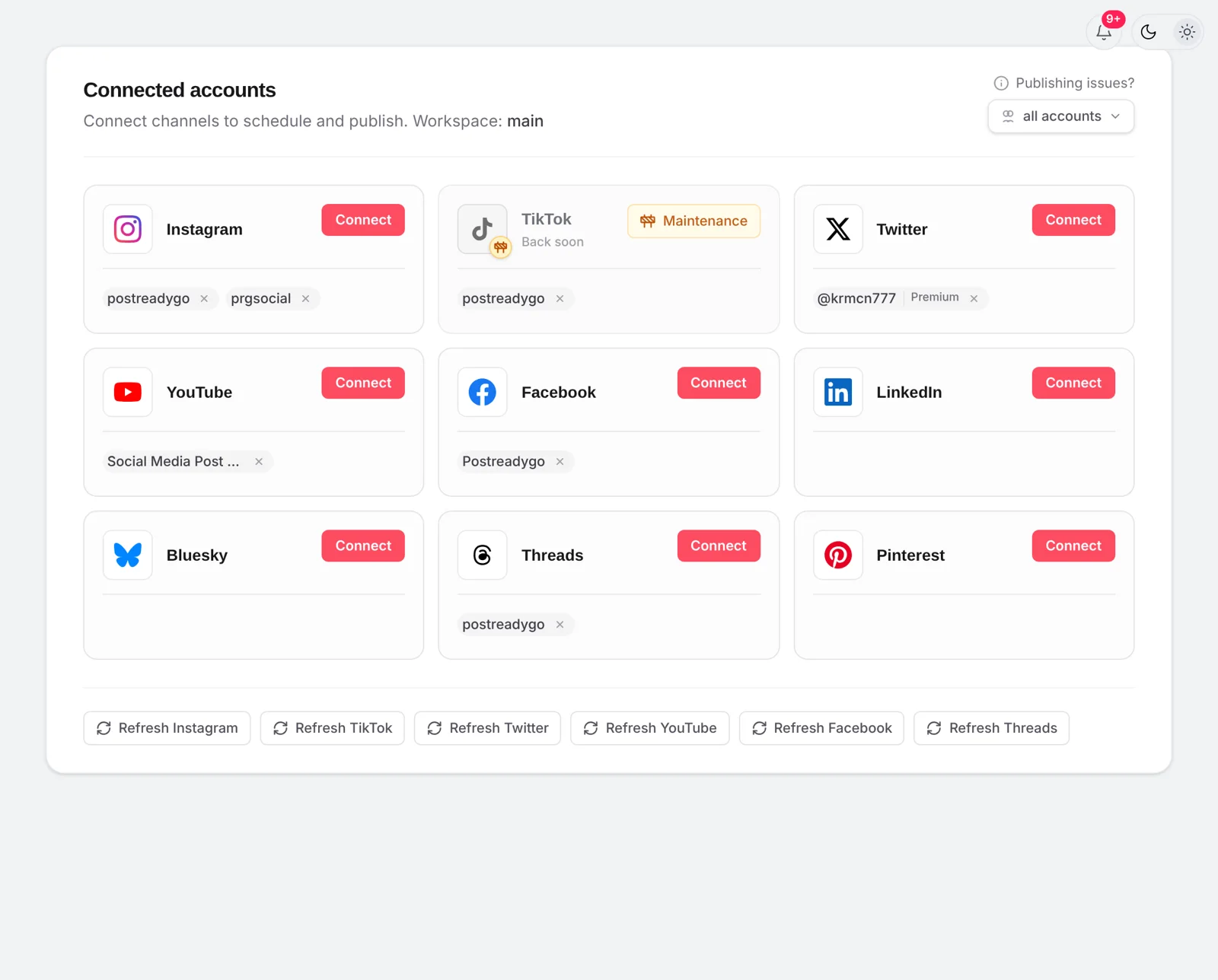
If you also post to TikTok, YouTube, X or LinkedIn, a scheduler saves you from uploading the same file five times. In postreadygo you upload once, pick every account and choose Post now or a time.
Which option should you use?
| instagram.com | Meta Business Suite | postreadygo | |
|---|---|---|---|
| Photos, carousels, Reels | Yes | Yes | Yes |
| Stories | No | Yes | No |
| Scheduling | No | Yes | Yes |
| Other platforms | No | TikTok, YouTube, X, LinkedIn and more | |
| Account type | Any | Professional | Professional |
Frequently asked questions
Can you post on Instagram from a computer?
Yes. On instagram.com you can create posts, carousels and Reels from any browser on a PC or Mac. You can not schedule there, but you can in Meta Business Suite or a scheduler.
Can I post Instagram Stories from a PC?
Not from instagram.com. Meta Business Suite can create and schedule Stories from a computer.
Is it bad for reach to post from a computer?
No. Instagram does not rank posts by the device they were made on.
Want to plan posts from your computer without opening Instagram every day? Start free with postreadygo and schedule Instagram, TikTok and YouTube from one calendar.
More Instagram guides
- How to Schedule Instagram Posts in 2026: App, Desktop, Reels and Stories
- Best Time to Post on Instagram in 2026 (and How to Find Yours)
- How to Schedule Instagram Reels (App, Desktop and Scheduler)
- Instagram Reels Length and Size Guide (2026 Specs)