How to See Instagram Insights (and What the Numbers Mean)
Where to find Instagram Insights on your profile, posts and Reels, what reach, views, interactions and follows mean, and the three numbers worth checking weekly.
Insights tell you what is working on your Instagram, but the dashboard is full of numbers. Here is where to find them and which ones actually matter.
Key takeaways
- Insights are only on professional accounts (free to switch).
- Find them under Professional dashboard on your profile, or View insights on a post.
- Check three numbers weekly: reach, shares and saves, and follows from content.
How to turn on Instagram Insights
- Open your profile and tap the menu.
- Go to Account type and tools and tap Switch to professional account.
- Choose Creator or Business. Insights start collecting data from now on.
Where to find Insights
- Account overview: on your profile, tap Professional dashboard.
- A single post or Reel: open it and tap View insights.
- Stories: open your Story and swipe up, or use the dashboard for past Stories.
- Audience: in the dashboard, tap Total followers for age, location and most active times.

What each Instagram metric means
| Metric | What it means |
|---|---|
| Views | How many times your content was shown, including repeats |
| Accounts reached | Unique accounts that saw your content |
| Interactions | Likes, comments, shares, saves and replies |
| Shares | Times people sent your post to others |
| Saves | Times people saved your post to come back to it |
| Follows | New followers who followed from that content |
| Profile activity | Profile visits and taps on links or buttons |
The three numbers to check every week
- Accounts reached: are more people seeing you than last week?
- Shares and saves per post: the clearest sign that a post was useful or fun.
- Follows from content: which posts turn viewers into followers. Make more of those.
Seeing Insights outside the app
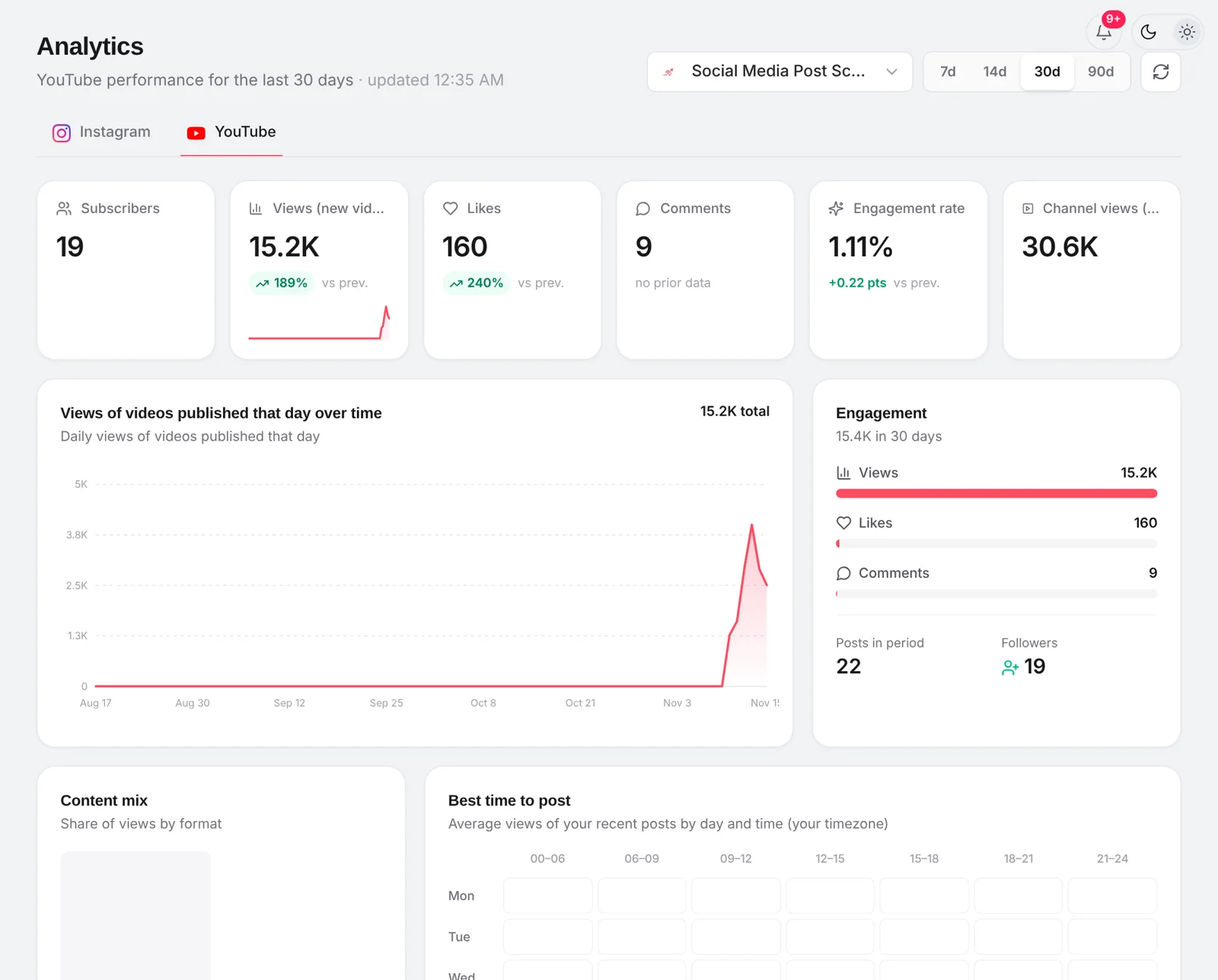
Meta Business Suite shows the same data on desktop. postreadygo shows Instagram and YouTube numbers side by side in Analytics, next to your schedule, so you can see which scheduled posts did best.
Frequently asked questions
Why can’t I see Insights on Instagram?
Insights are only for professional accounts. Switch to a Creator or Business account in settings; Insights start counting from the day you switch.
Can I see who viewed my Instagram posts?
No. Insights show how many accounts saw a post and where they came from, not who they are. Stories show a list of viewers, posts and Reels do not.
What is the difference between reach and views?
Reach is the number of unique accounts that saw your content. Views count every time it was shown, including repeat views by the same person.
Want to plan your next posts without opening Instagram every day? Start free with postreadygo and schedule Instagram, TikTok and YouTube from one calendar.
More Instagram guides
- How to Schedule Instagram Posts in 2026: App, Desktop, Reels and Stories
- Best Time to Post on Instagram in 2026 (and How to Find Yours)
- How to Schedule Instagram Reels (App, Desktop and Scheduler)
- Instagram Reels Length and Size Guide (2026 Specs)